
Build a consistent editing profile
Variables Shape Every Style
A variable is one specific visual setting in the editing process. Combining multiple variables at selected levels creates a style matrix, allowing preferences to be communicated clearly and repeated consistently across orders.
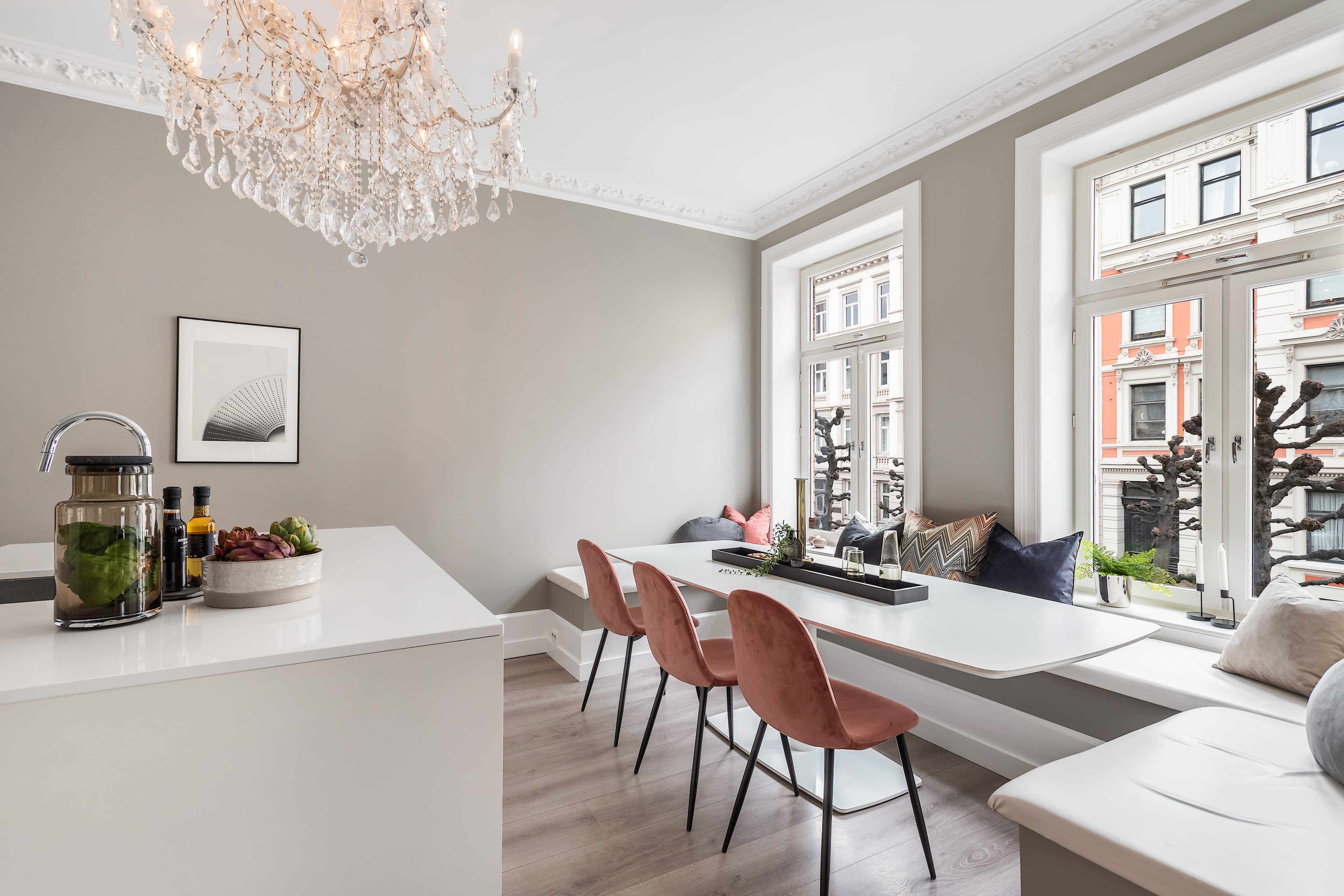
Style controls
Variable List
Open a variable to compare its levels and understand how it changes the final output.
4 levelsColorcast CorrectionControls how strongly unwanted color casts from lamps, walls, and mixed lighting are neutralized.4 levelsLight DistributionDefines how much difference remains between highlights, midtones, and shadow areas.3 levelsPopAdjusts perceived contrast and dynamic impact without changing the core exposure.4 levelsColorSets the overall saturation and vibrance of the finished image.3 levelsTemperatureMoves the image from a cooler neutral appearance toward a warmer atmosphere.Preset optionsViewDetermines the brightness, detail, and visual intensity retained in window views.3 levelsVignettingControls edge darkening used to guide attention toward the center of the frame.3 levelsSharpeningControls edge clarity and crispness. Higher levels may also make image noise more visible.3 levelsSmoothingReduces visible noise and marbling, especially in dark or low-light areas.
How to Use Levels
Start from an Ursin style, then mention only the variables you want to change. For example: Spark, Colorcast LV2, Pop LV3, Enhanced View. Save recurring combinations in your editing profile so future orders follow the same visual direction.