
Photo Editing Variable
Color
Color controls saturation and vibrance. The final result also depends on the original lighting, furniture, flooring, vegetation, and sky in the input image.
Excessive saturation can look unrealistic, especially on grass, foliage, and strongly colored interiors.
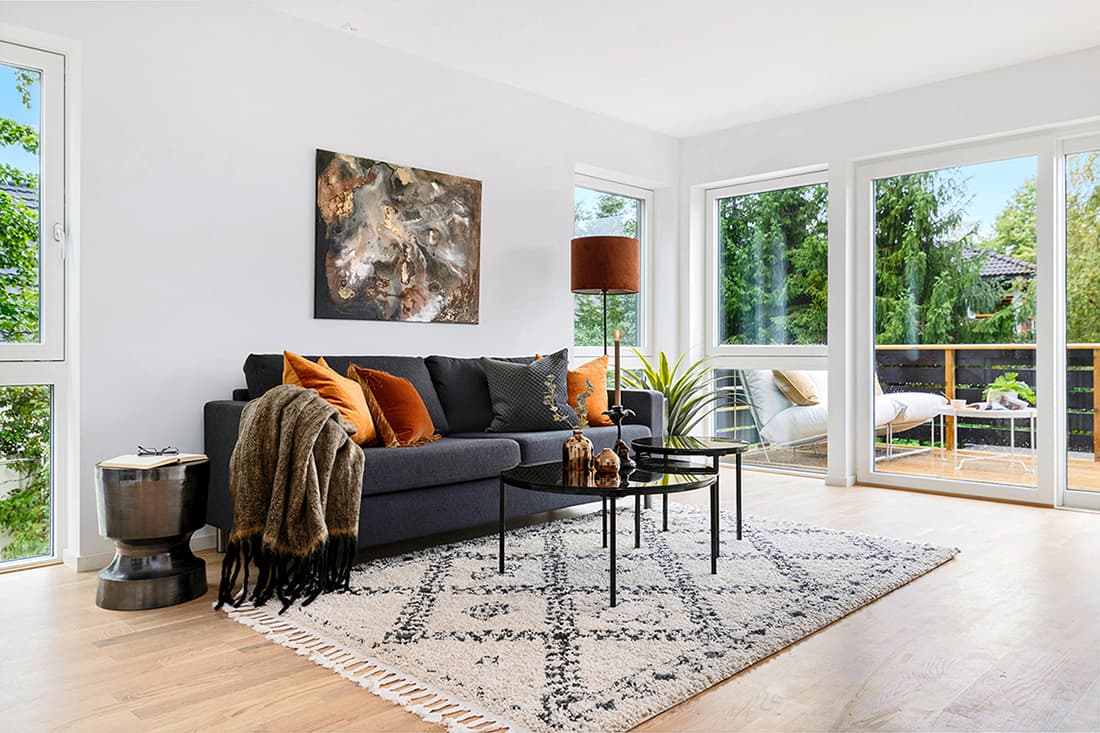
Visual comparison
Compare the Levels
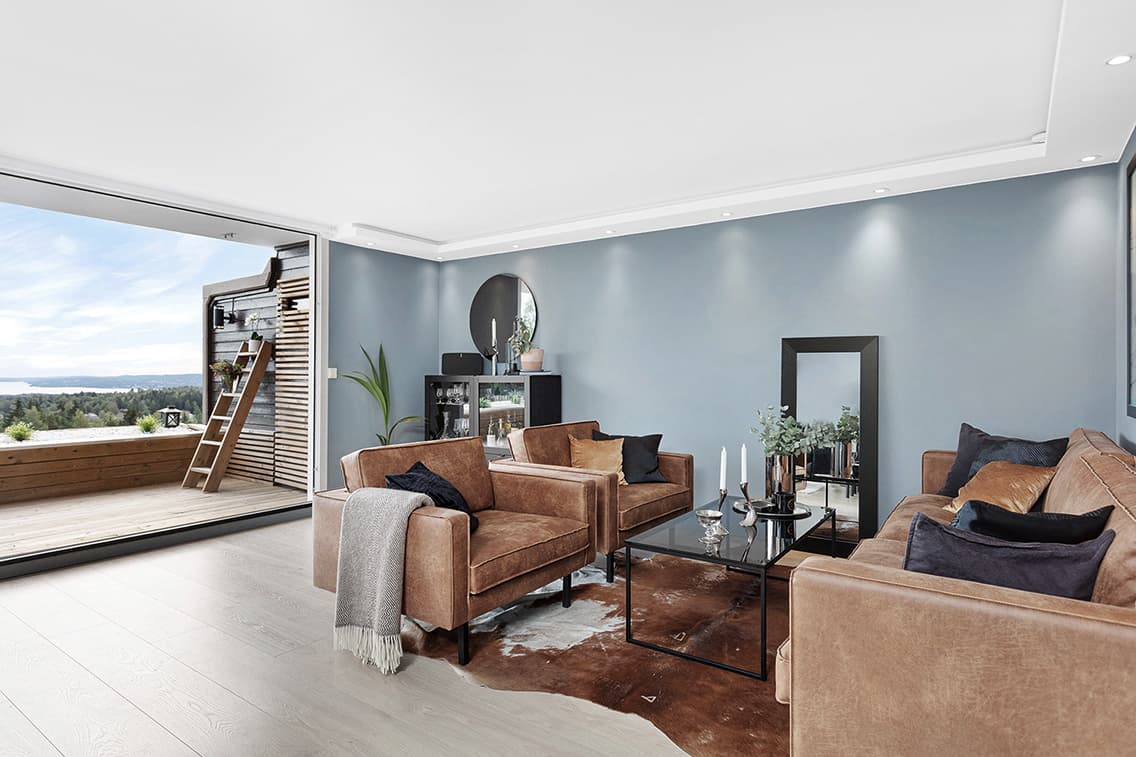
Reduced
Level 0
Colors are weaker and more restrained than natural color.
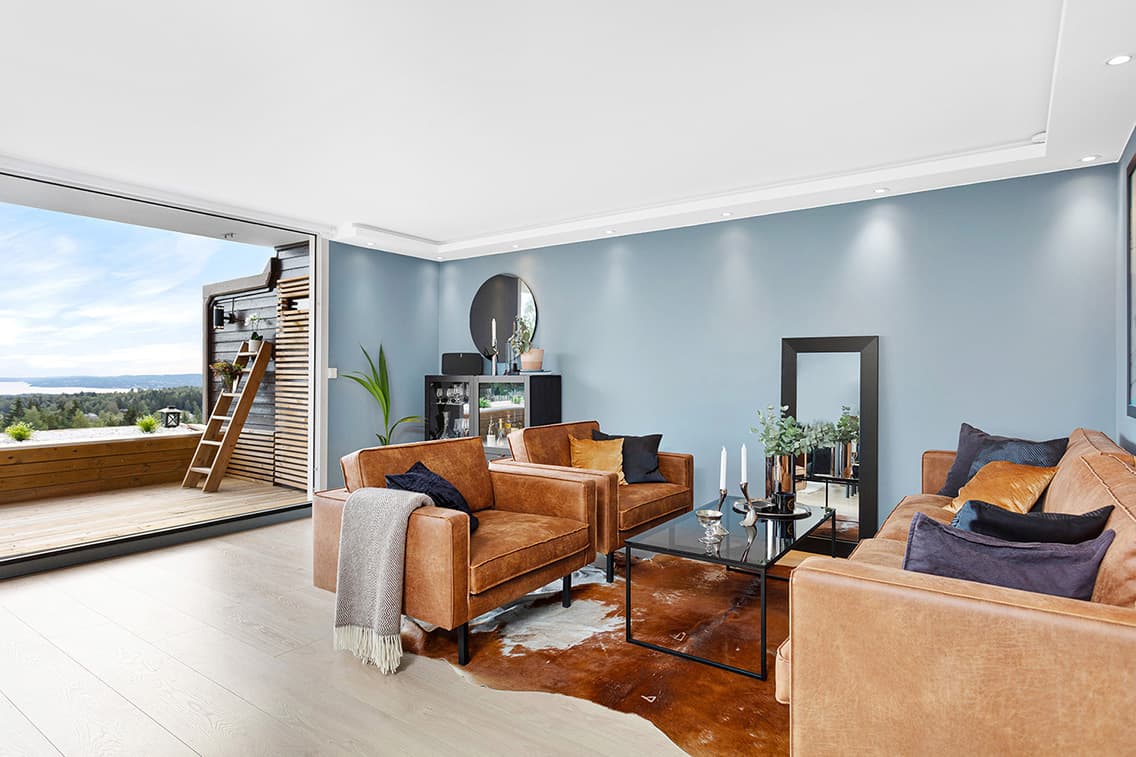
Natural
Level 1
Maintains a believable color level, adjusting up or down only when the input requires correction.
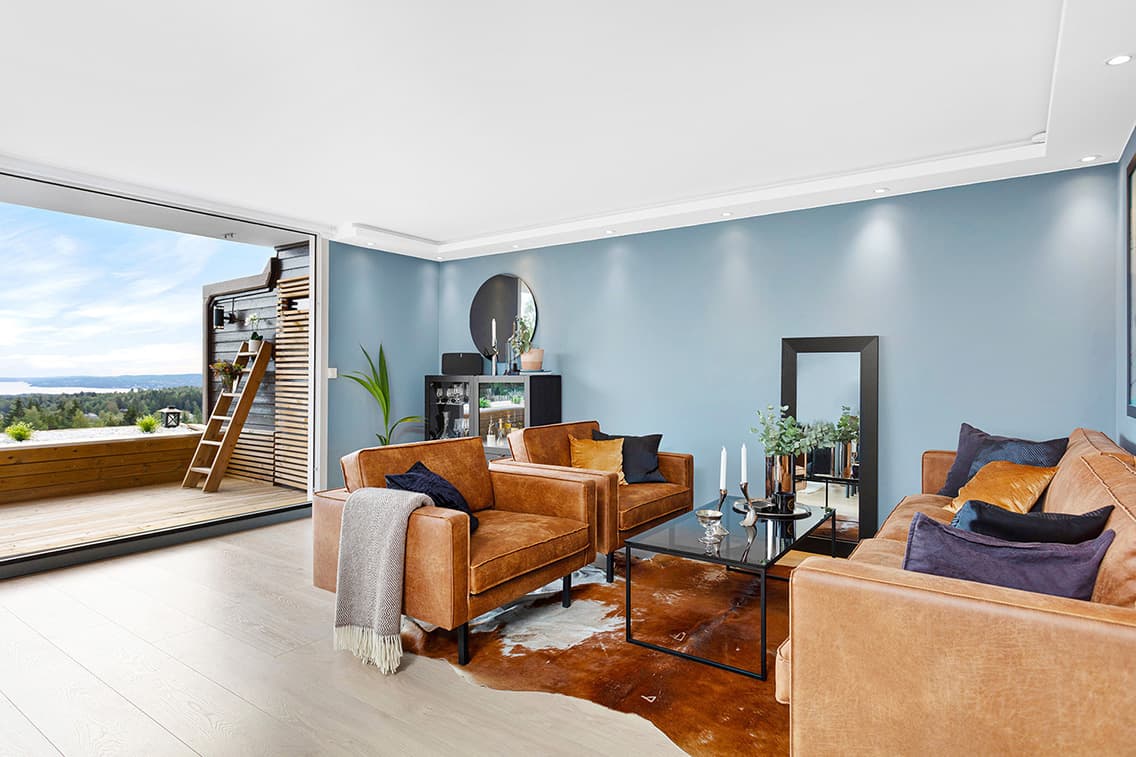
Enhanced natural
Level 2
Adds visible color enhancement while keeping the image realistic.
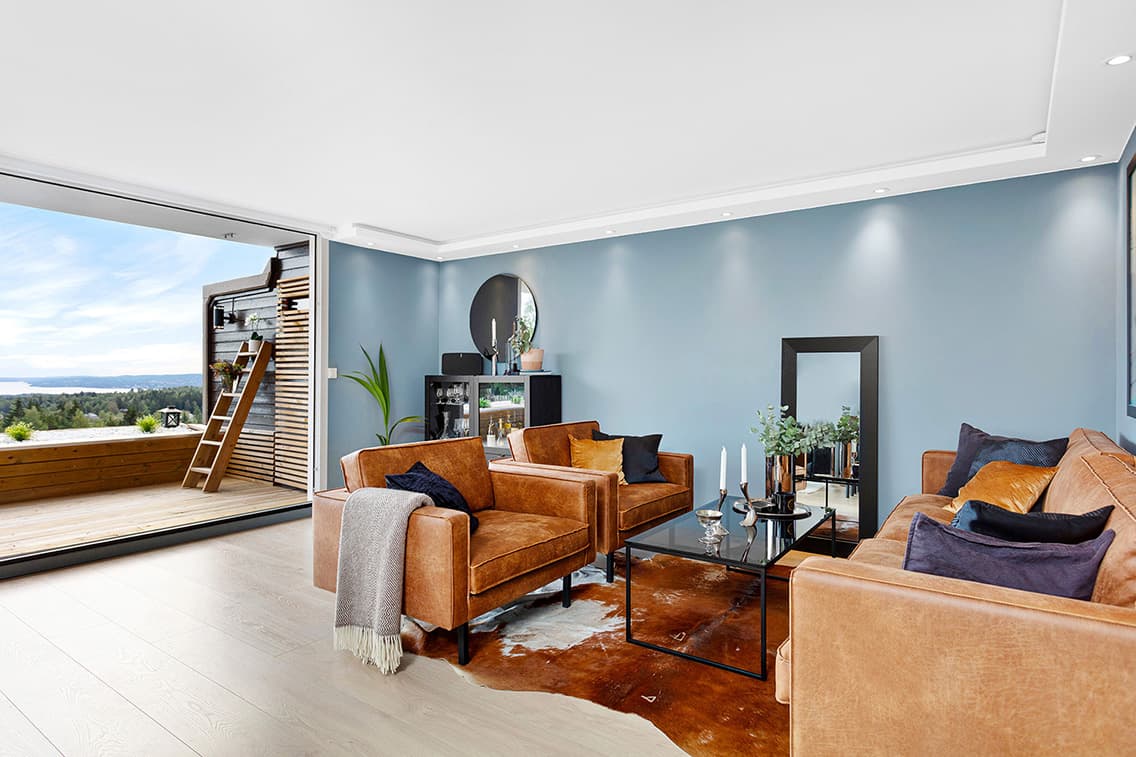
Fresh and vibrant
Level 3
Creates strong, fresh colors and dynamics without becoming obviously unnatural.
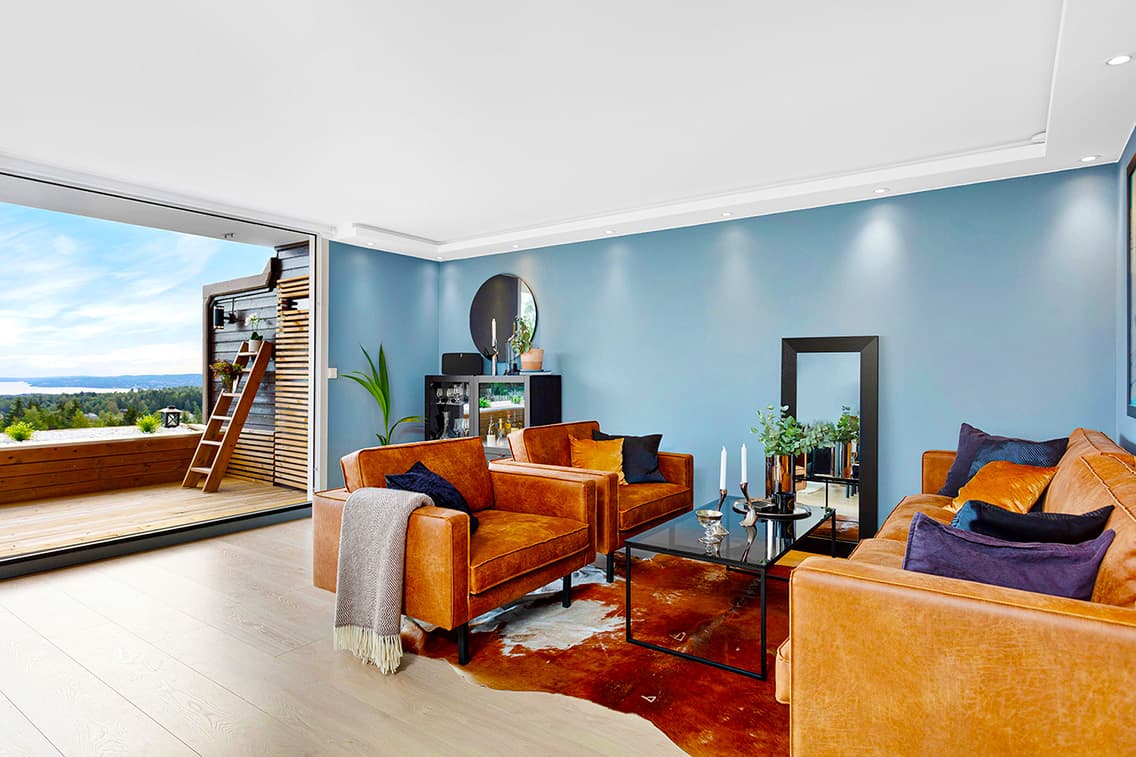
Maximum color
Level 4
Uses very strong saturation and vibrance. This level is intentionally stylized and not recommended for every style.