
Photo Editing Variable
Control Image Clarity
Sharpening makes edges appear clearer and more defined. The default setting is Level 1; increase it only when the input needs stronger clarity.
Higher sharpening can make noise and compression artifacts more visible.
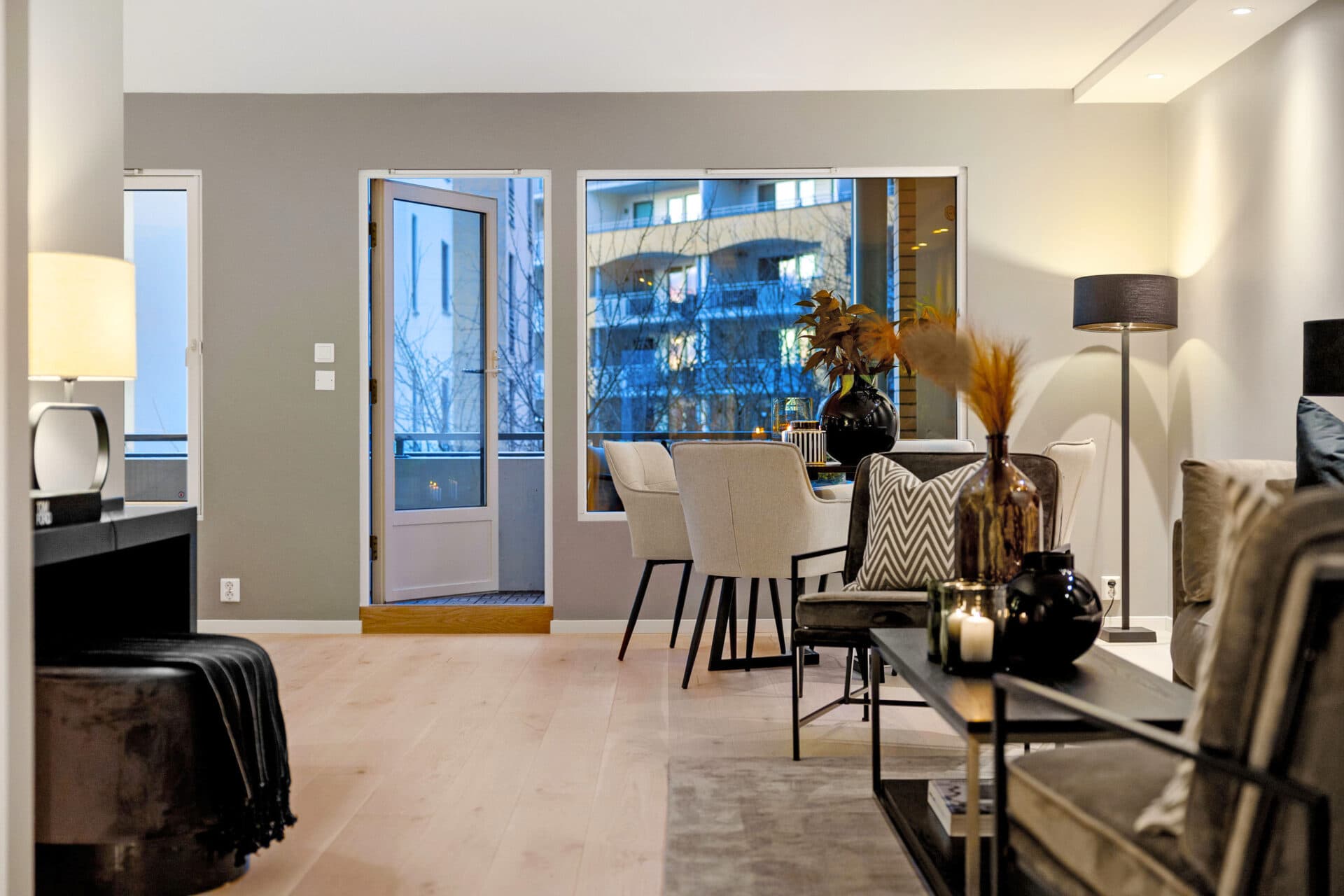
Sharpening Profile
Interior
Interior sharpening improves edge clarity in furniture, fixtures, and architectural details while keeping smooth surfaces natural.
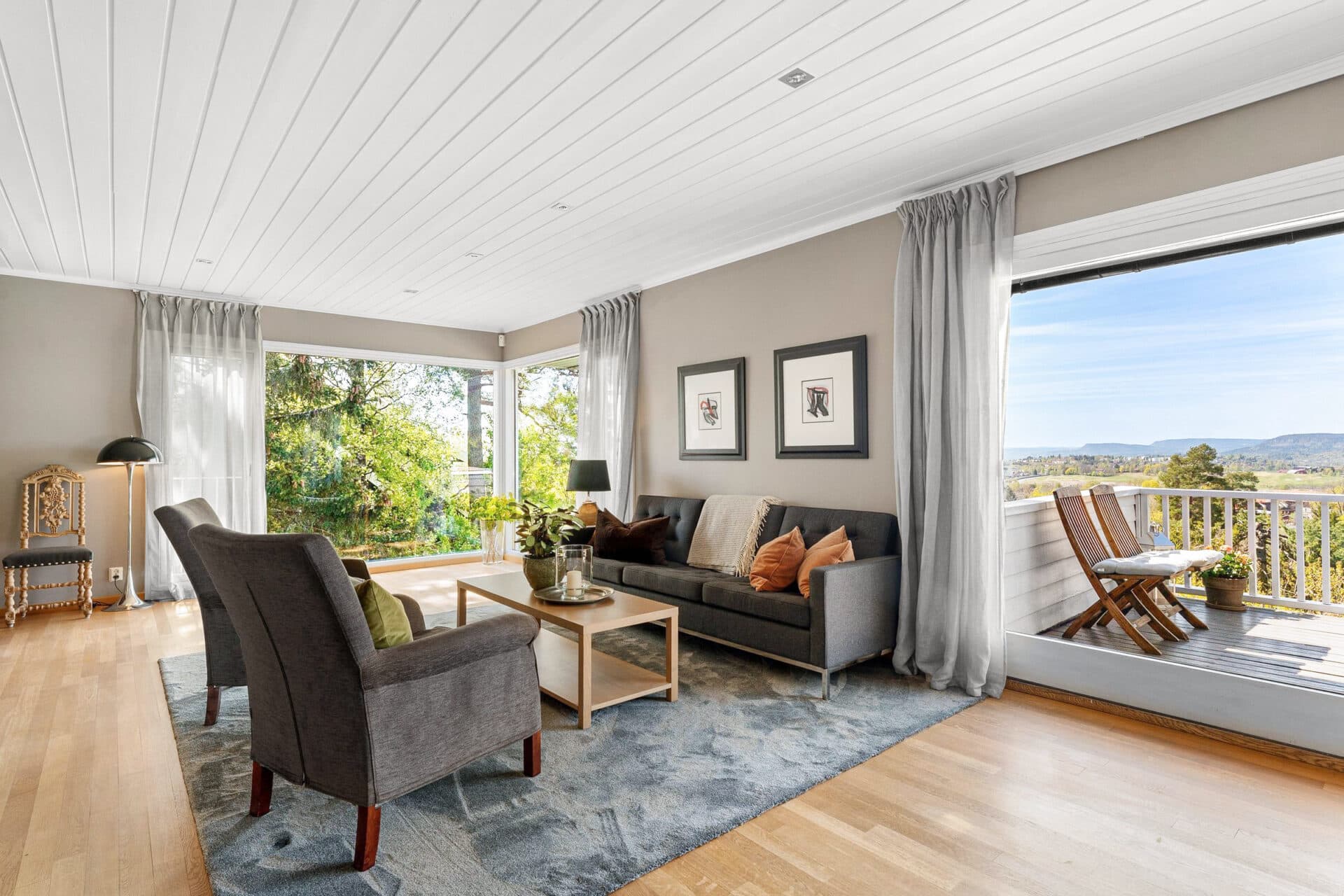
20% Strength
Level 1
Subtle clarity and the default sharpening level.
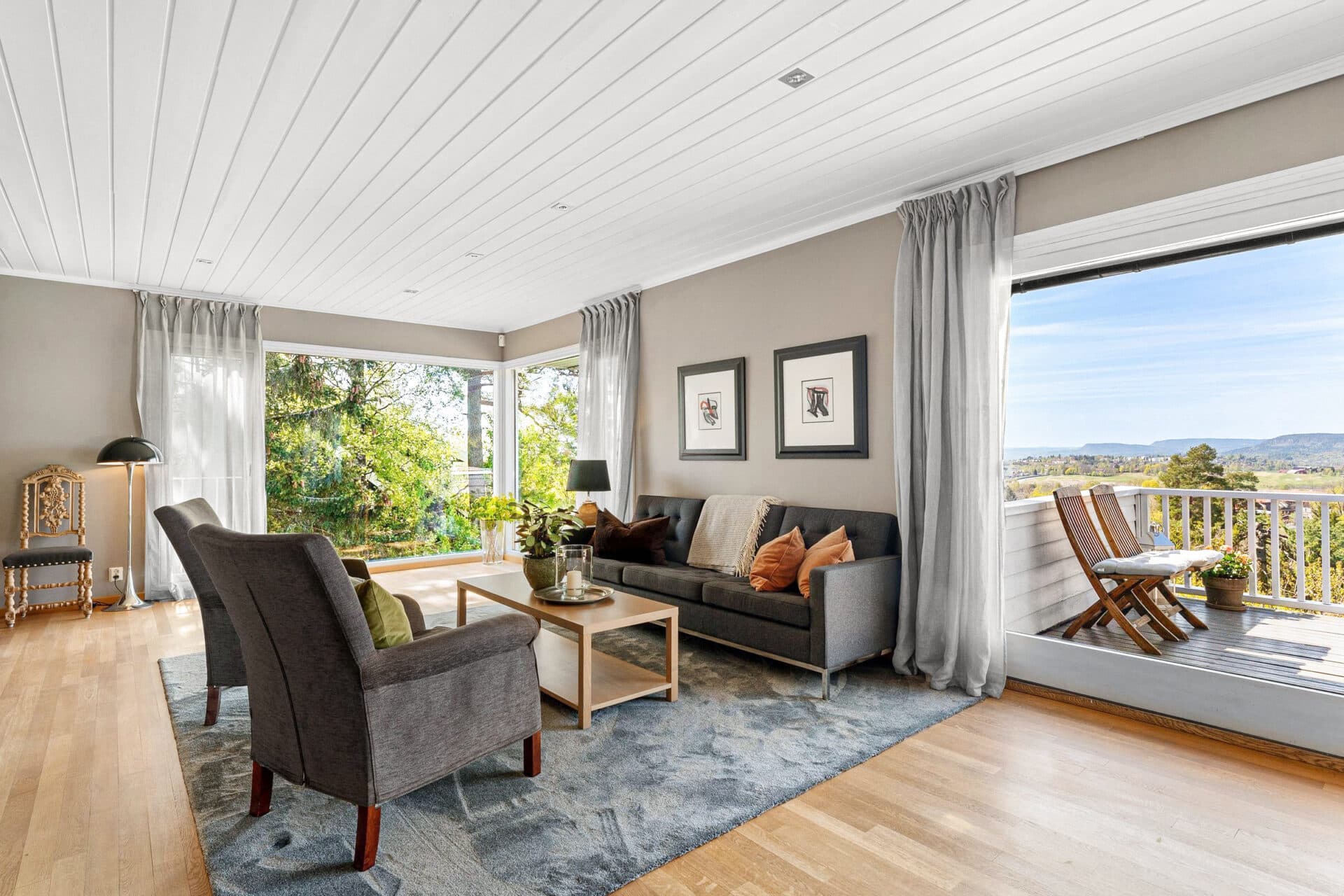
50% Strength
Level 2
More visible edge definition for a crisper presentation.
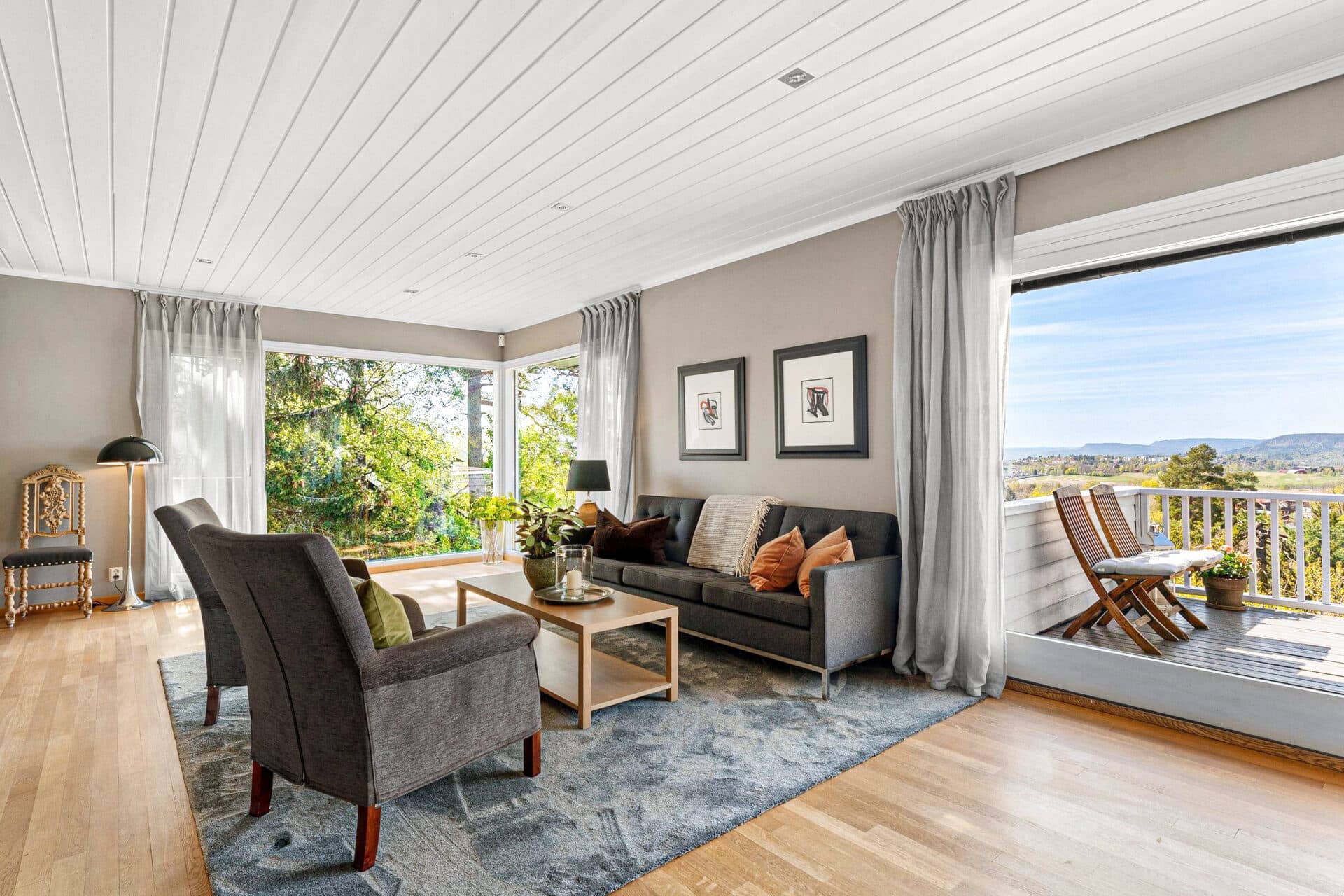
80% Strength
Level 3
Strongest clarity with a higher risk of visible noise.
Sharpening Profile
Exterior
Exterior sharpening emphasizes facade lines, vegetation, and surface texture. Higher levels should be used carefully on noisy skies and shadow areas.
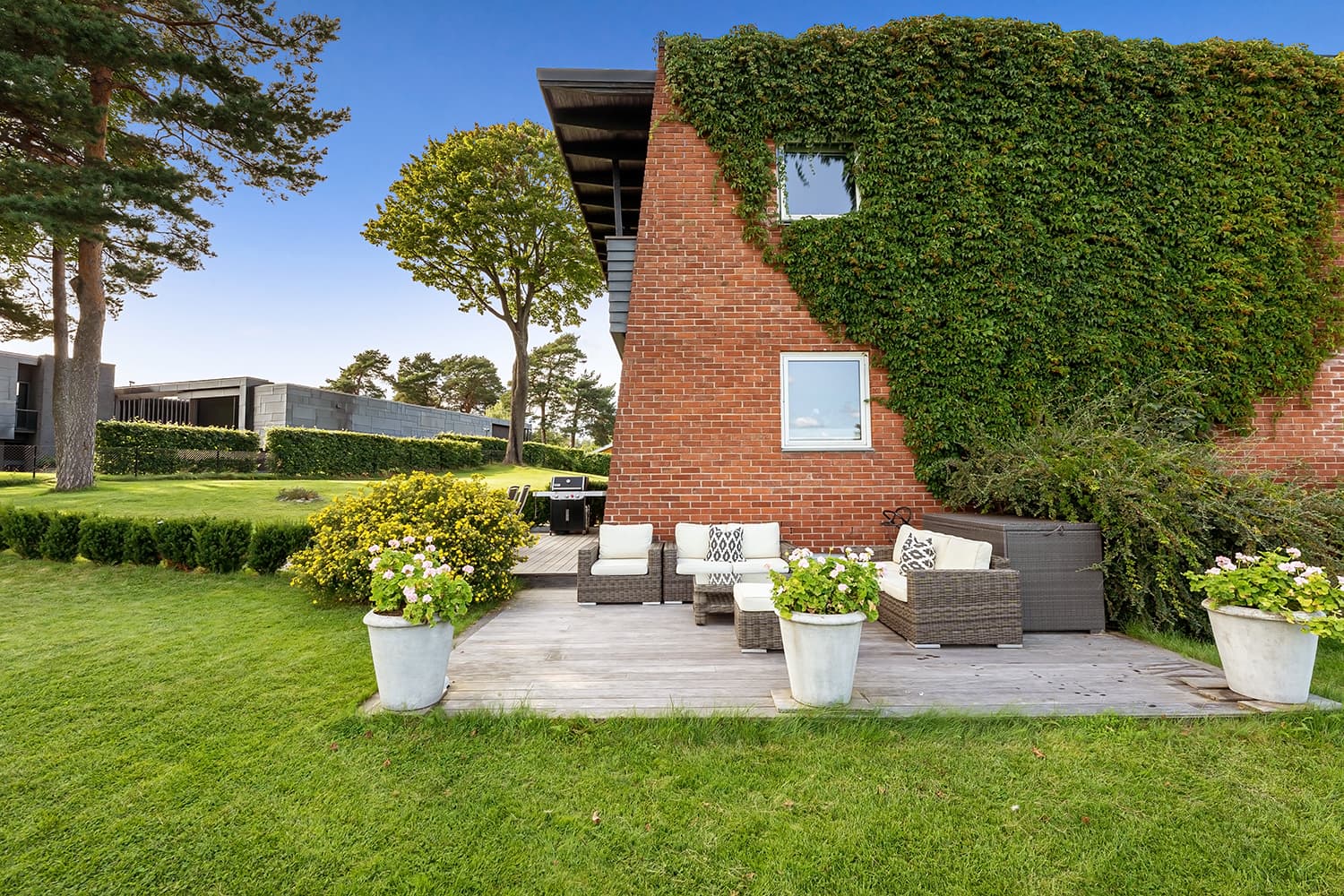
20% Strength
Level 1
Natural detail enhancement suitable for most outputs.
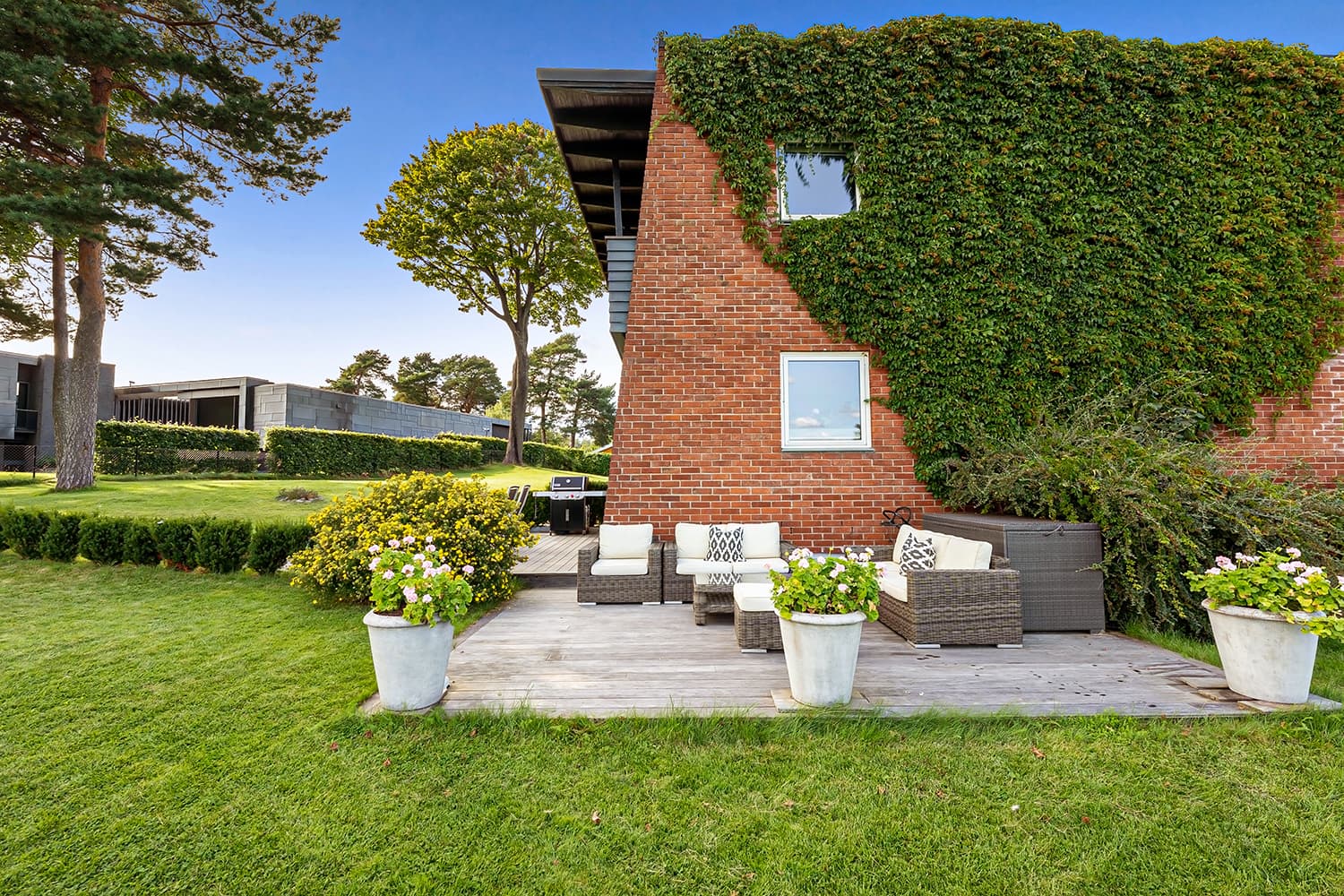
50% Strength
Level 2
Clearer texture and stronger architectural definition.
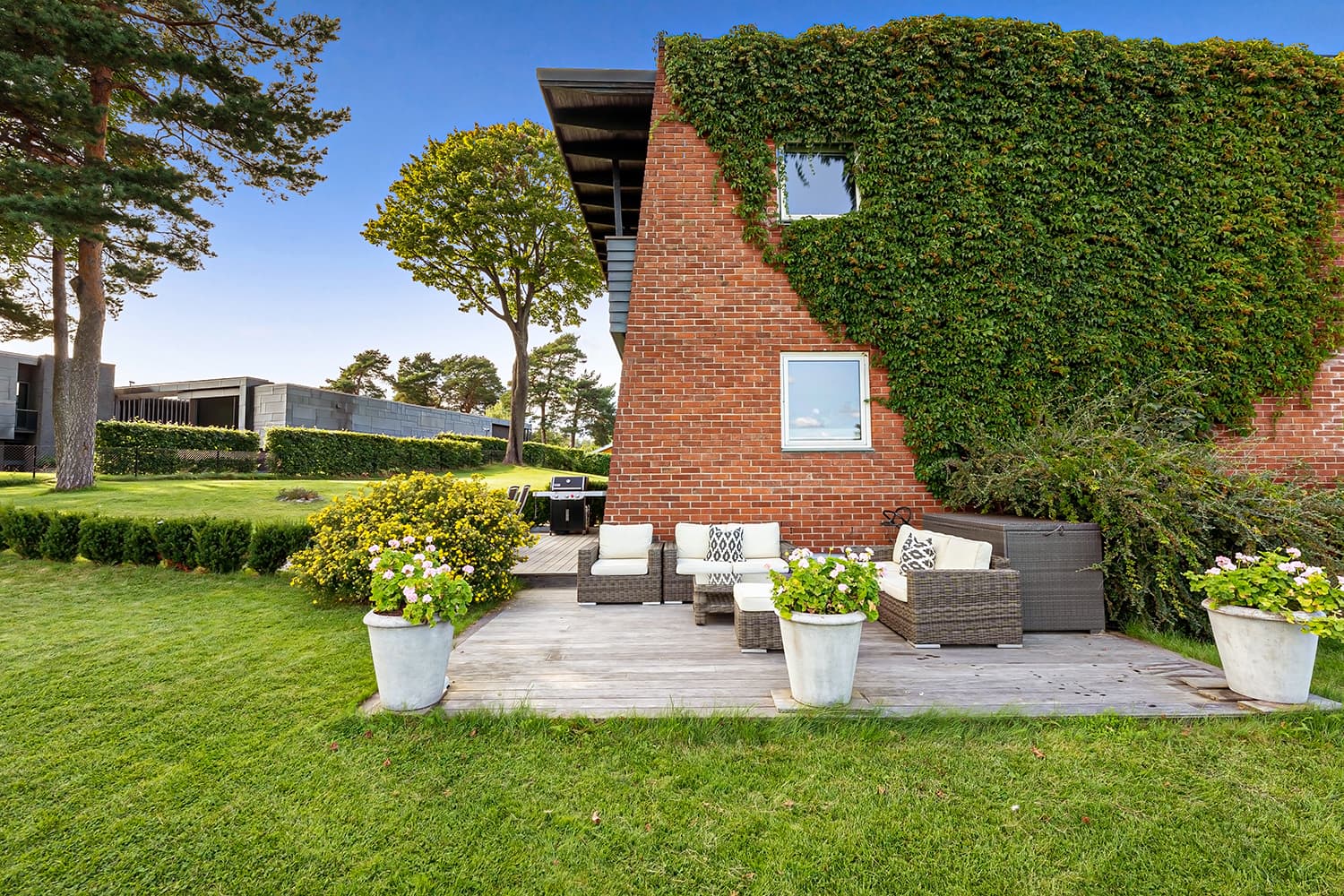
80% Strength
Level 3
Maximum edge emphasis for exceptionally soft input.