
Photo Editing Variable
Smoothing
Smoothing reduces visible noise and marbling, especially in low-light and dark areas. Stronger levels can also soften surface texture and perceived depth.
Add the keyword "Smoothing" followed by the desired level to your editing profile.
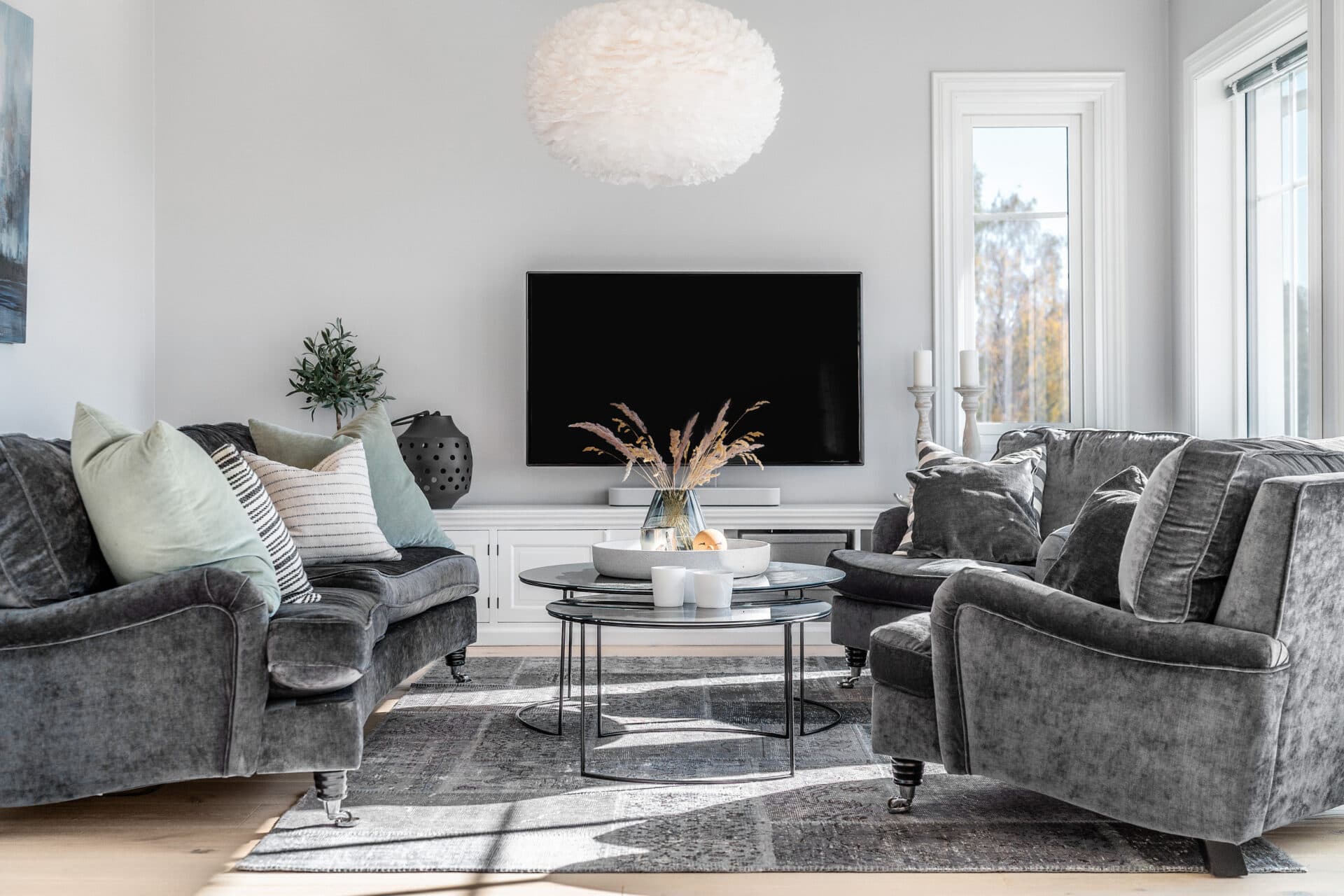
Visual comparison
Compare the Levels
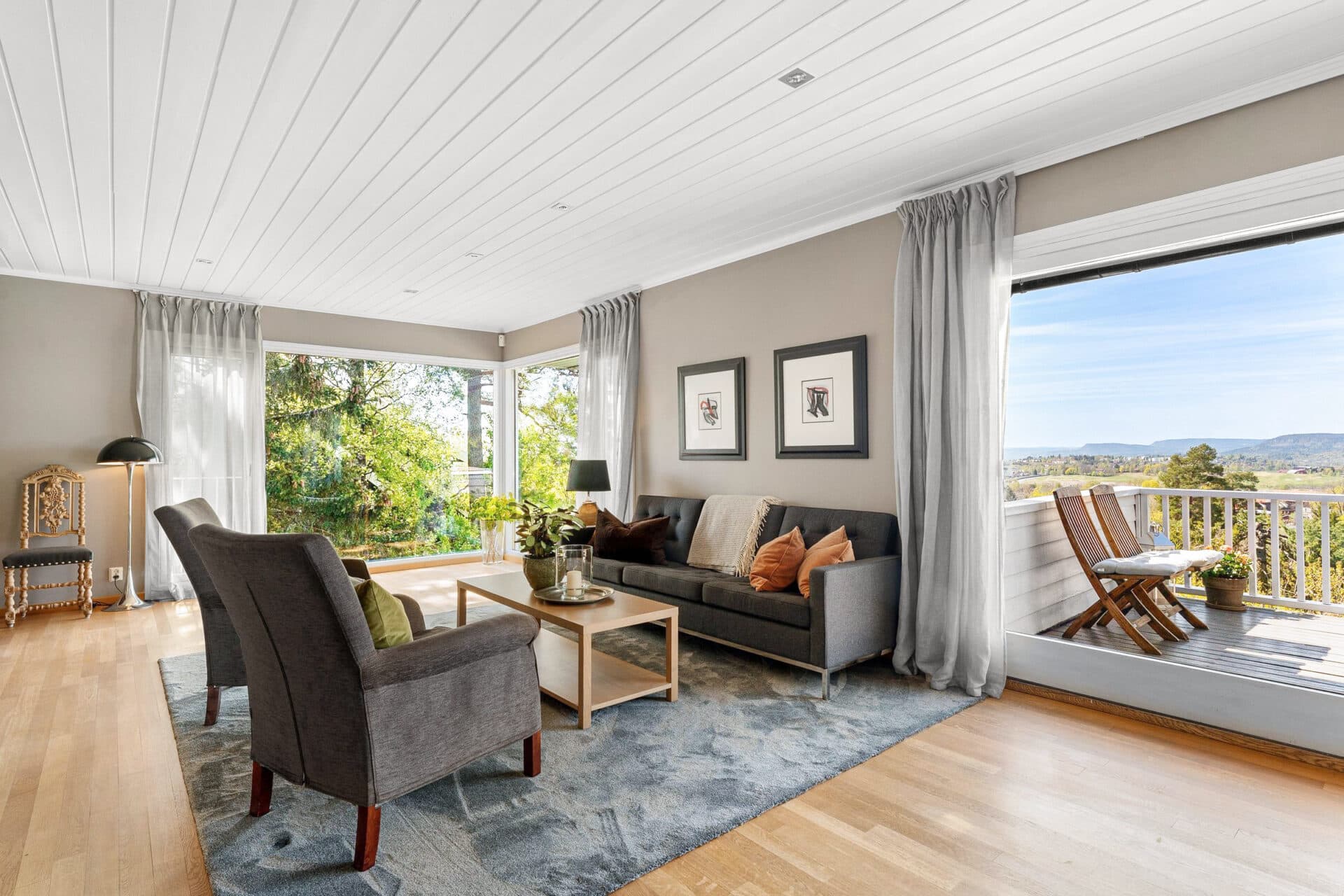
Light reduction
Level 1
Slightly reduces noise and marbling, mainly in darker areas.
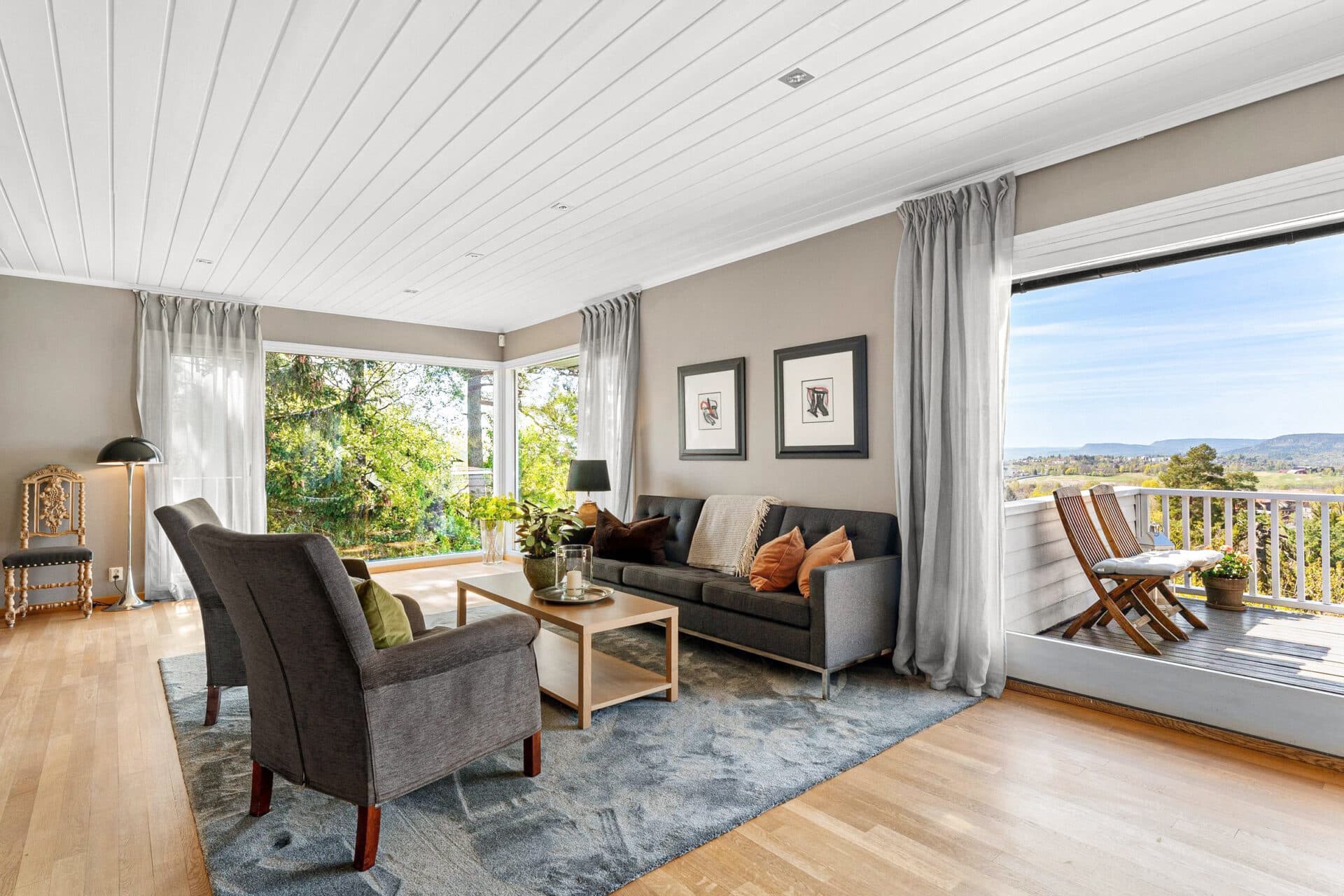
Strong reduction
Level 2
Strongly reduces noise and begins to affect object surfaces. Some objects may appear flatter.
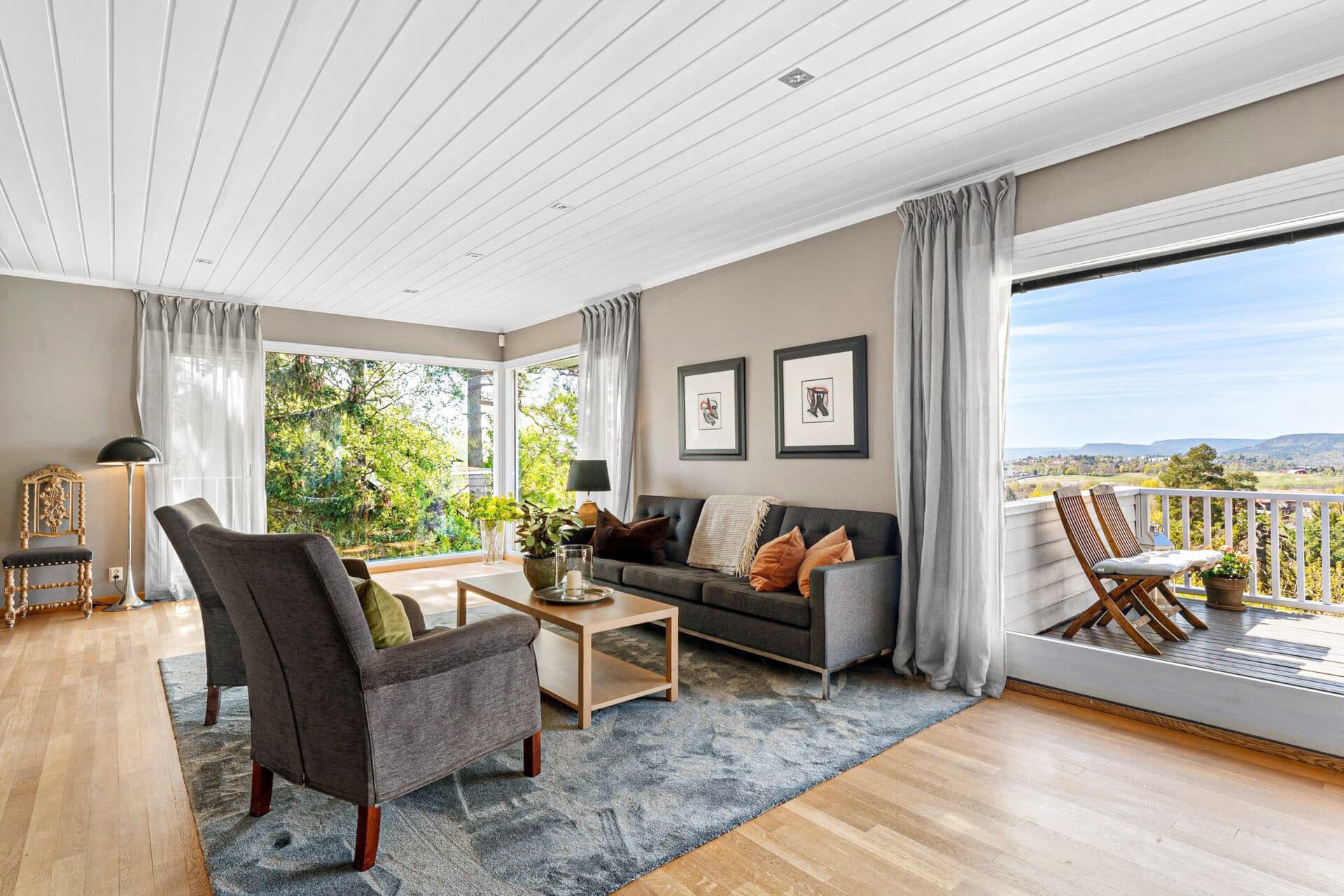
Maximum smoothing
Level 3
Applies the strongest noise reduction with a clearly visible smoothing effect on texture and surface detail.