
Photo Editing Variable
Window View Levels
View editing controls how much outdoor detail remains visible through windows and how strongly the window contributes to the perceived light inside the room.
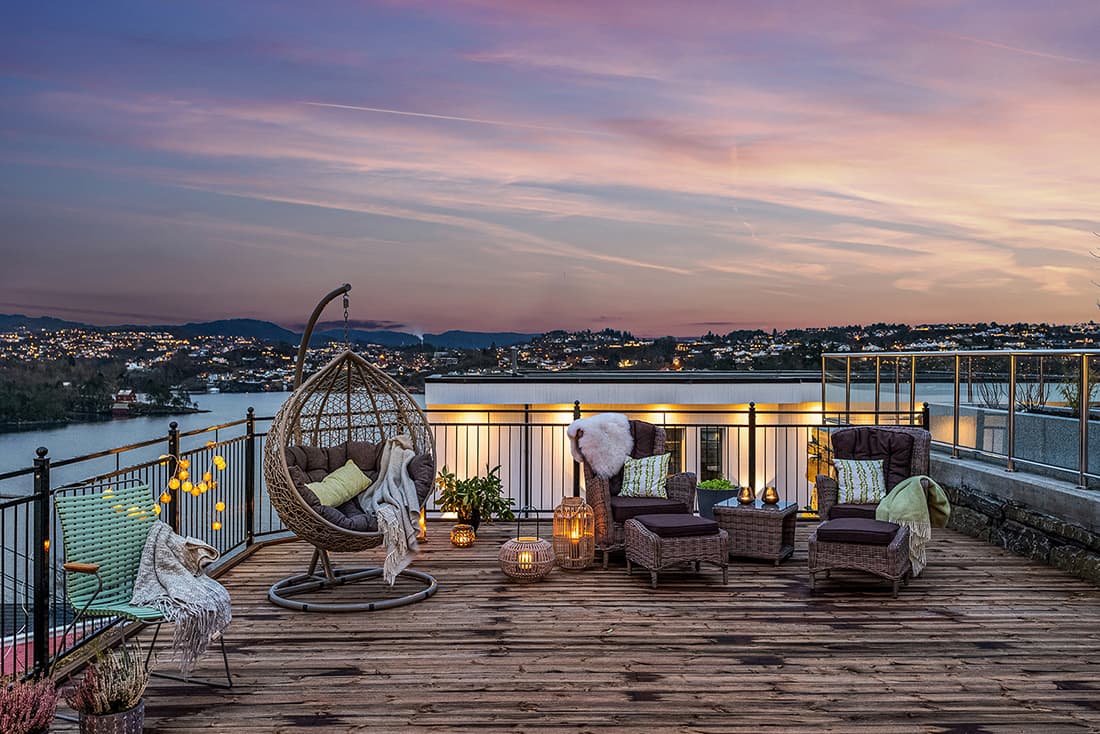
Visual comparison
Compare View Types
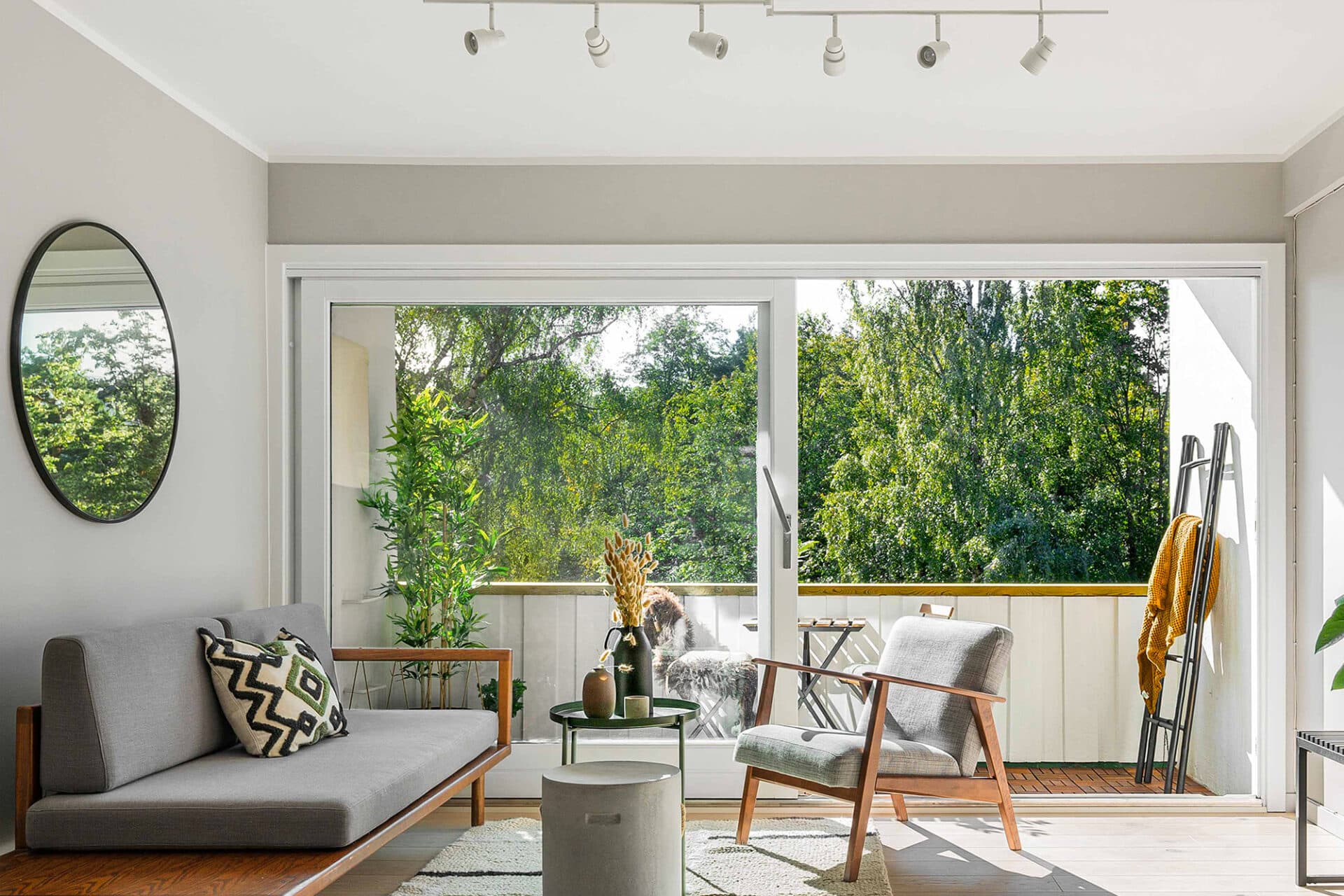
Enhanced View
Optimizes color, contrast, and detail while keeping the outdoor view close to its natural appearance.
- Usually kept slightly brighter than the interior.
- Color casts are corrected when necessary.
- Sky replacement is available when requested.
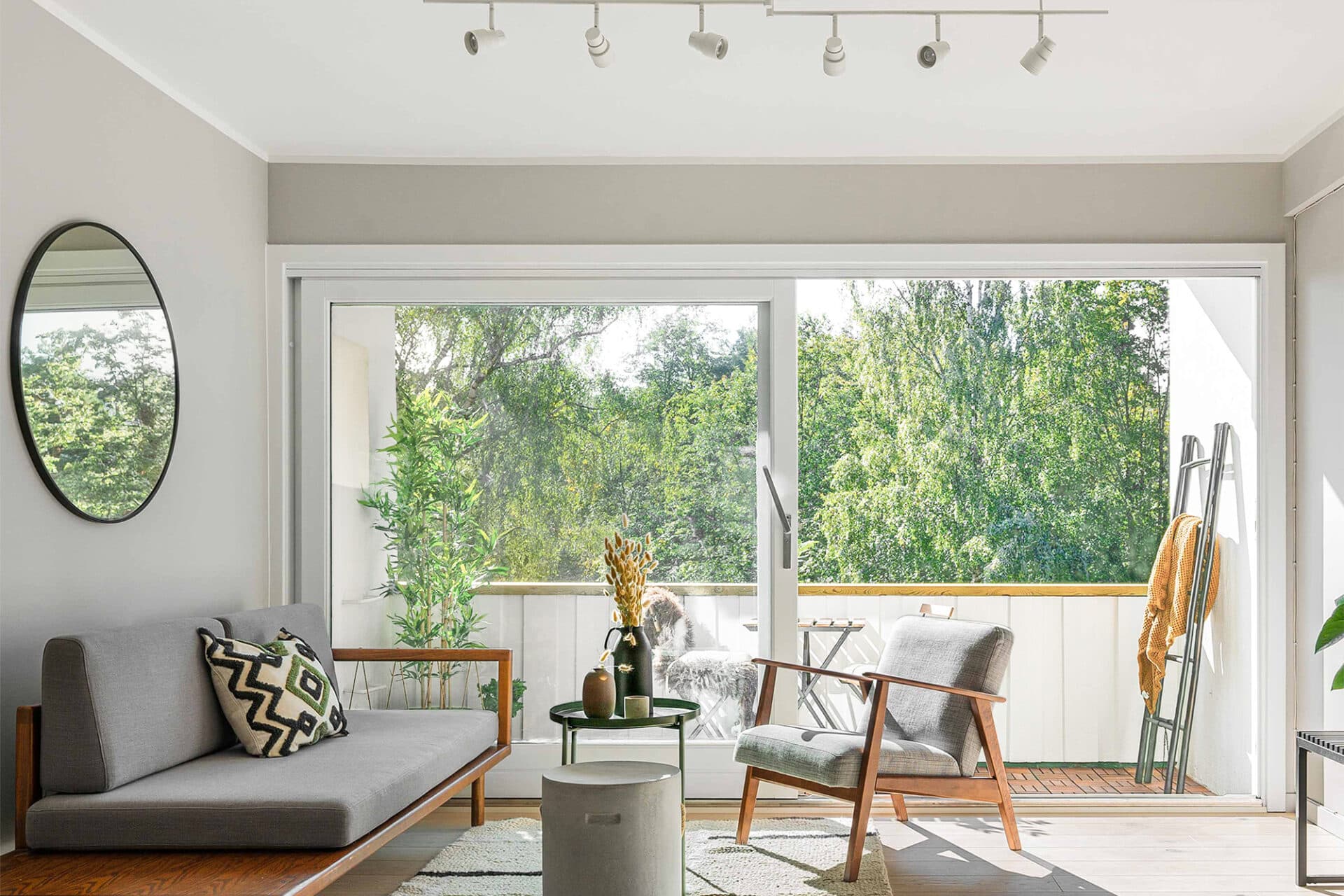
Light View
Creates a bright but still clear and detailed view, with restrained enhancement to color and contrast.
- Dark views may be lifted to match the overall collection.
- Not recommended when the outdoor view is the main subject.
- Sky replacement is generally avoided at this exposure level.
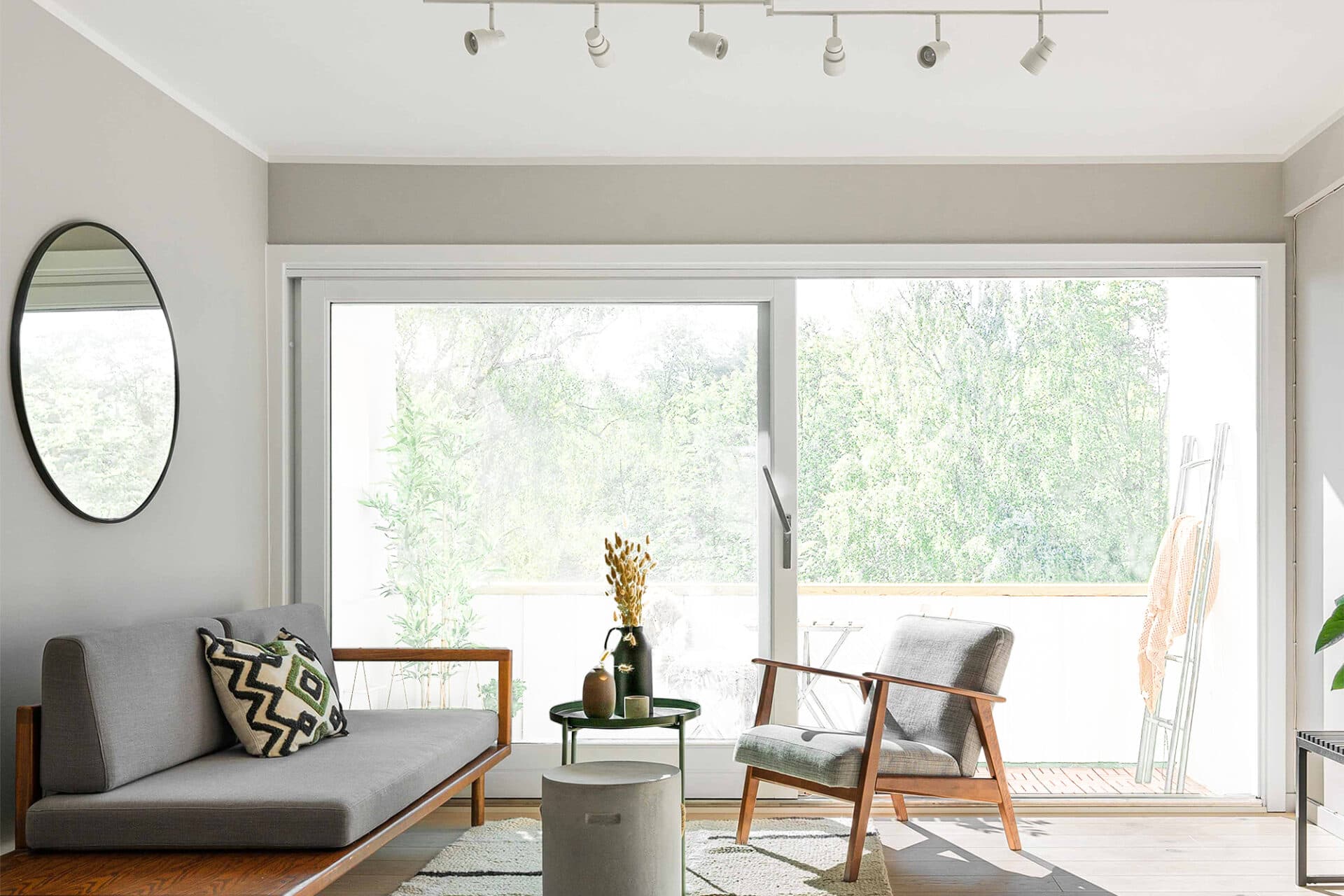
Bright View
Keeps the window very bright while retaining a small amount of visible outdoor detail.
- The window becomes an obvious source of natural light.
- Brightness may be increased for consistency across the assignment.
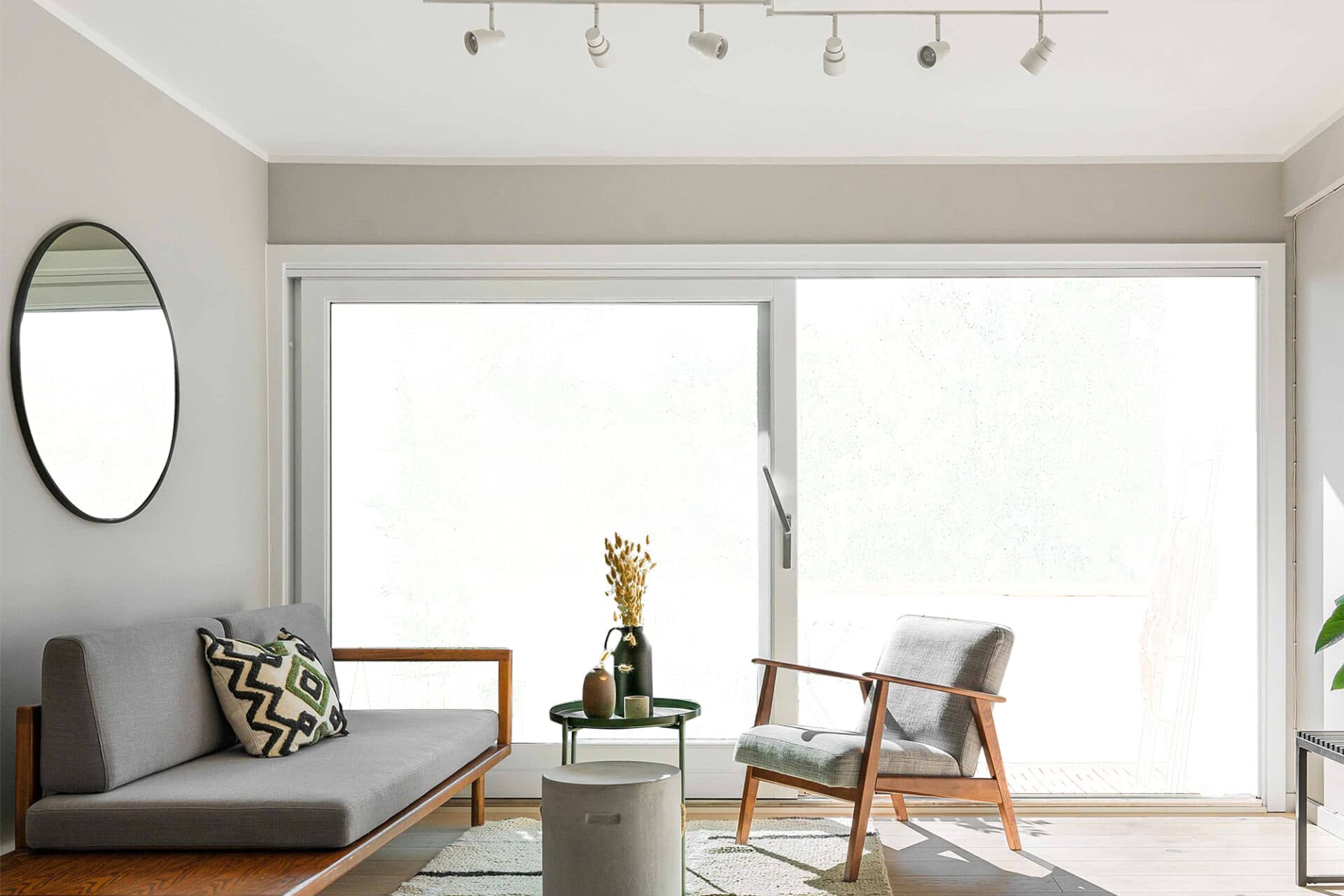
Radiant View
Produces a fully blown-out, desaturated window where only a soft impression of the exterior remains.
- Shows almost no outdoor detail.
- Creates a strong backlit appearance.
- Makes the window read as the primary natural light source.