
Photo Editing Variable
Temperature
Temperature controls the balance between cool blue/cyan tones and warm red/yellow tones. Interiors use Levels 0-3; Level -1 is mainly intended for exteriors.
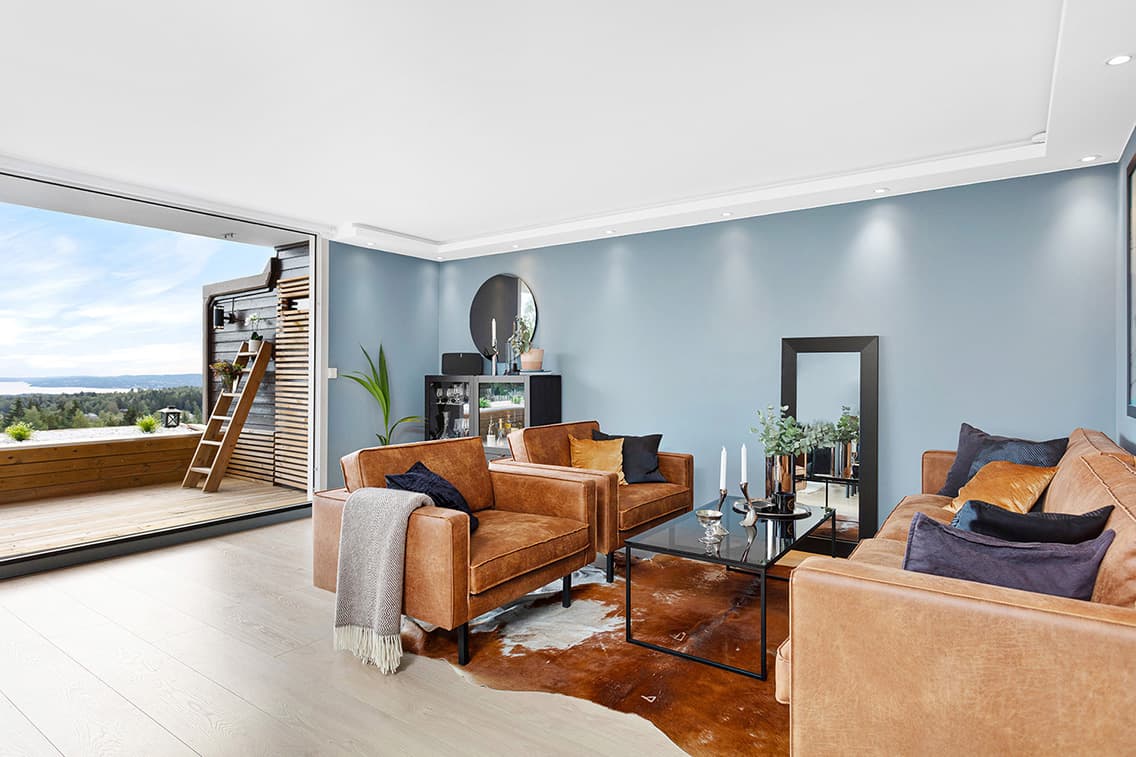
Visual comparison
Compare the Levels
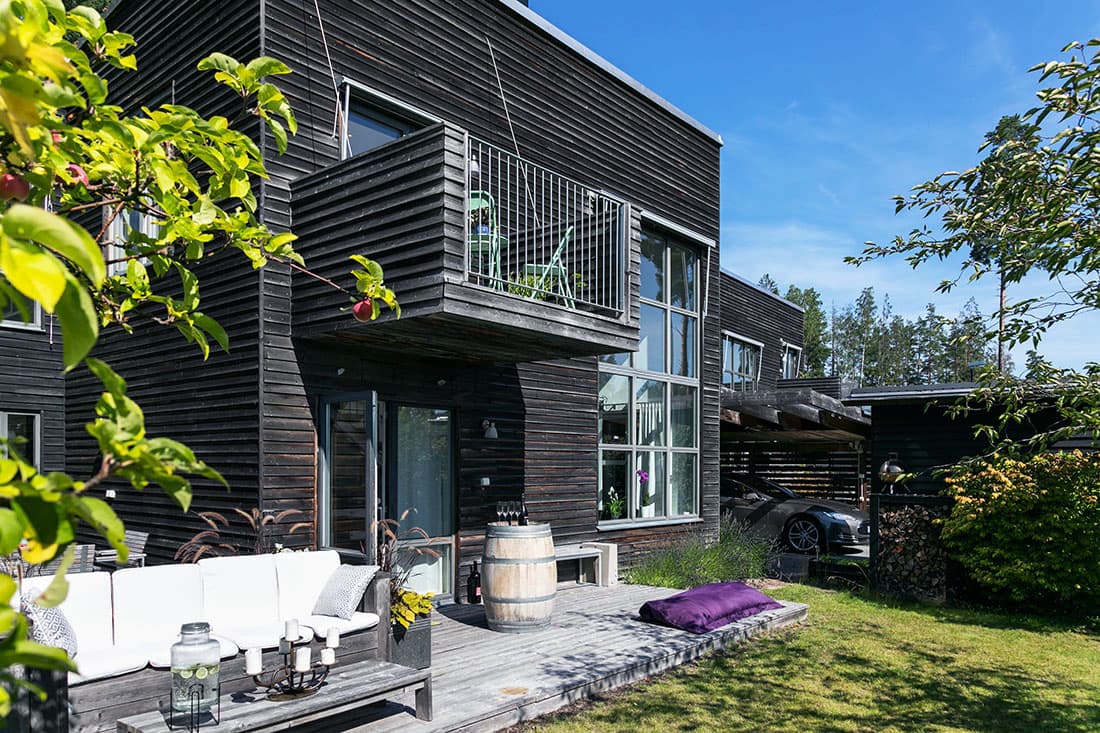
Cool
Level -1
A slightly cool balance toward blue and cyan, recommended primarily for exterior images.
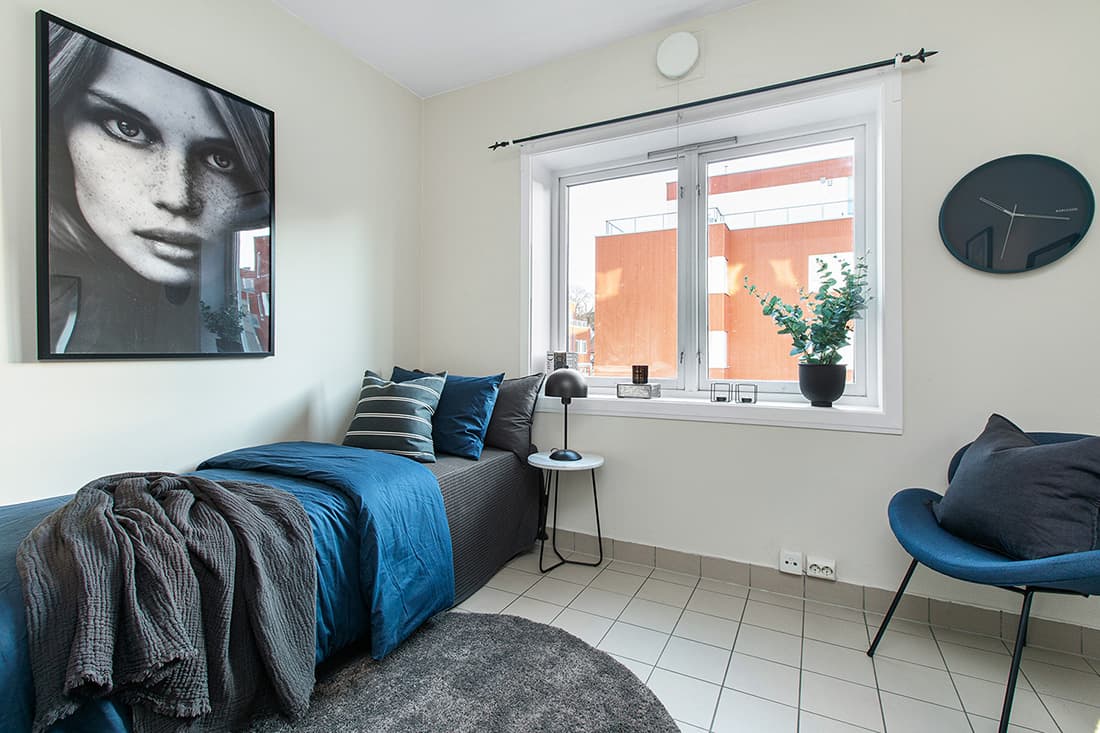
Unaffected
Level 0
Keeps the original temperature without added warmth.
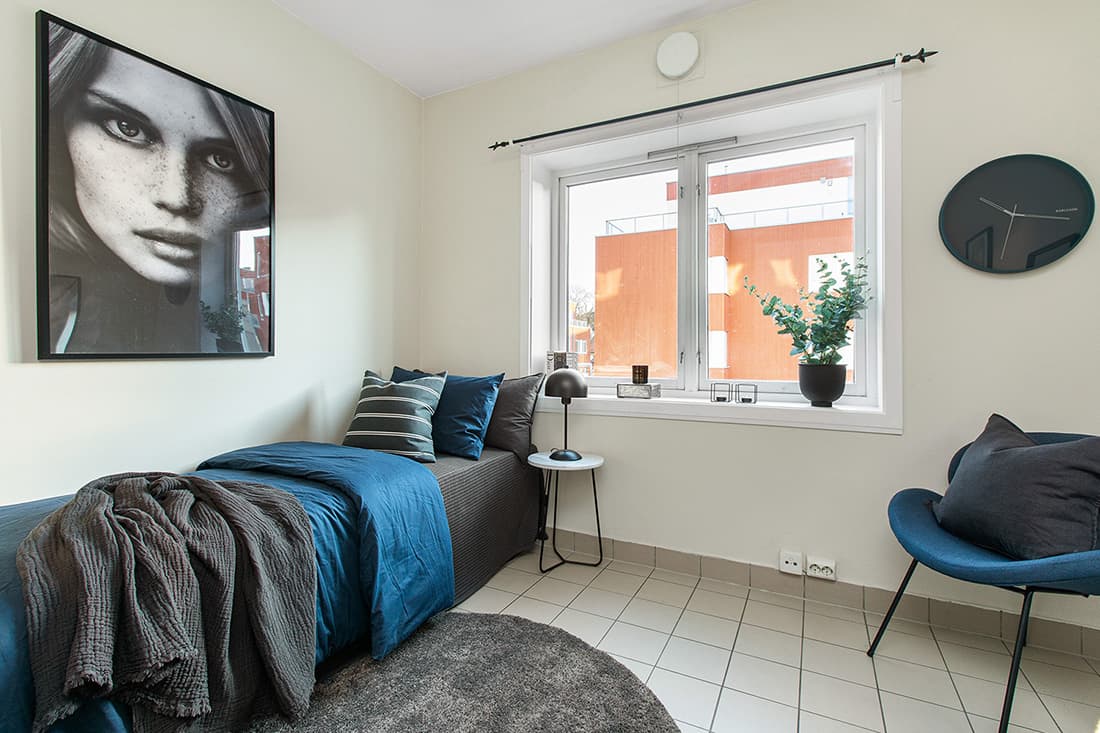
Neutral
Level 1
Adds slight warmth while maintaining an overall neutral appearance.
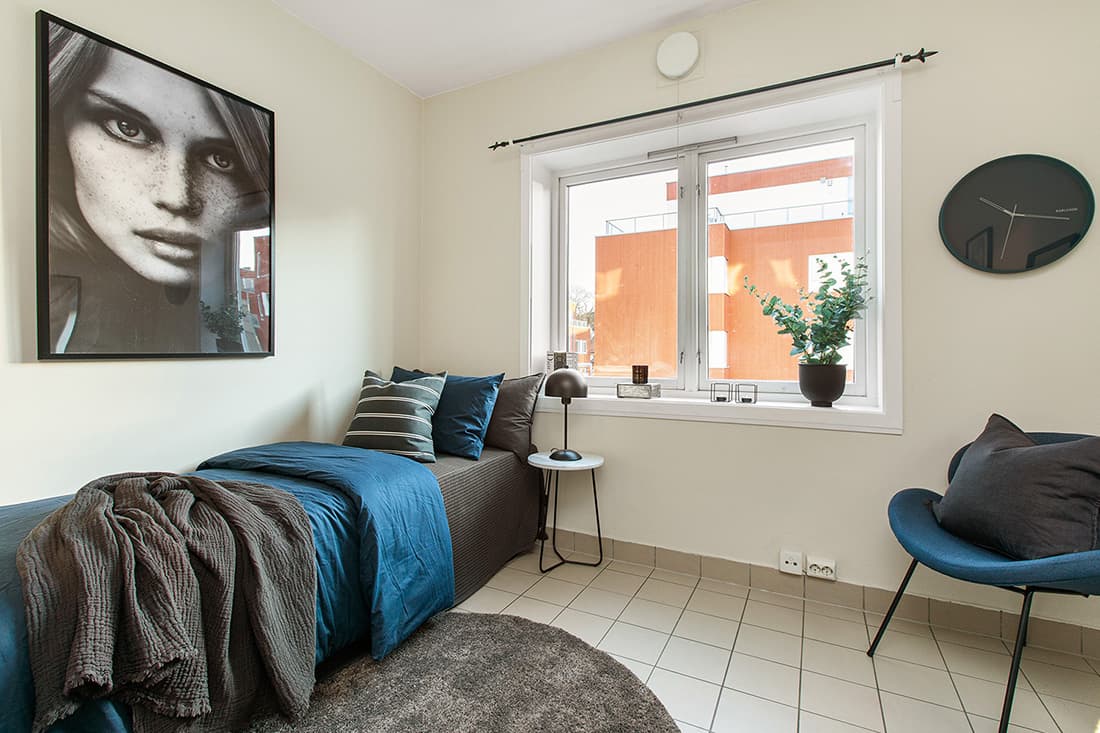
Warm
Level 2
Mildly enhances red and yellow tones while remaining realistic.
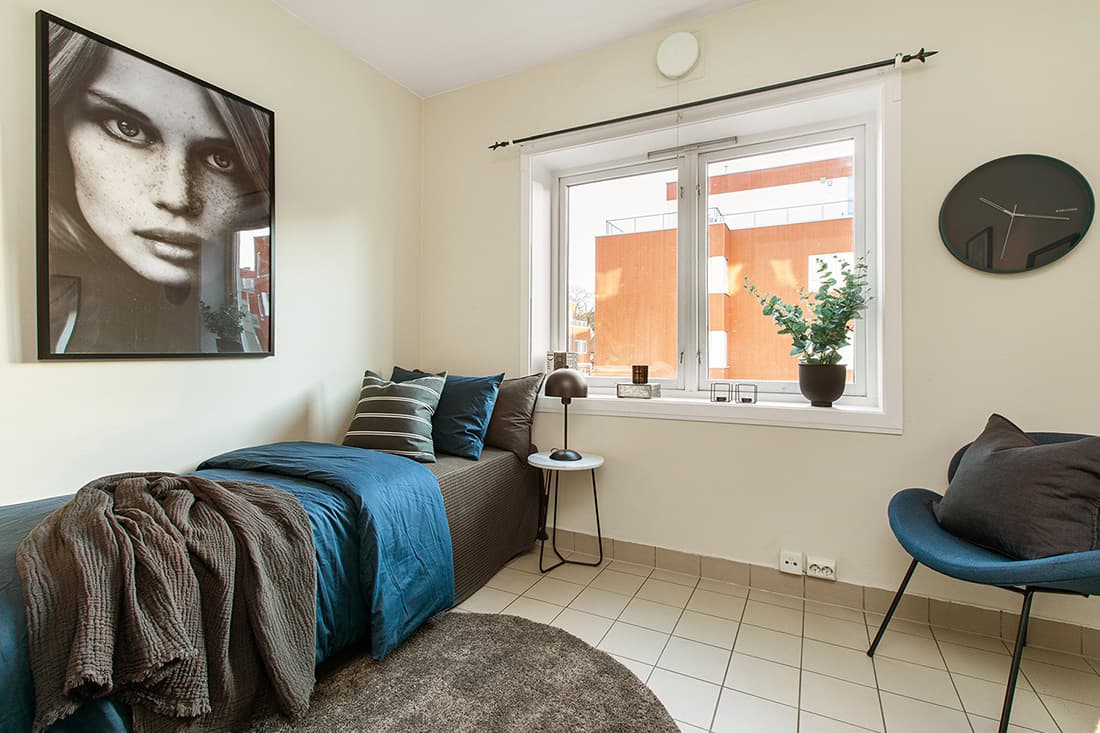
Sunny
Level 3
Strongly enhances red and yellow tones for a visibly warmer atmosphere.