Light on/switch
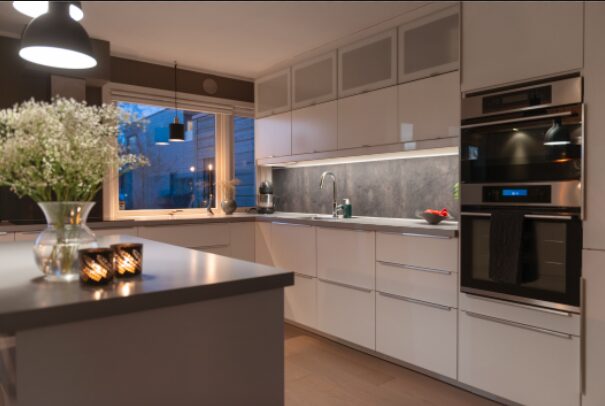
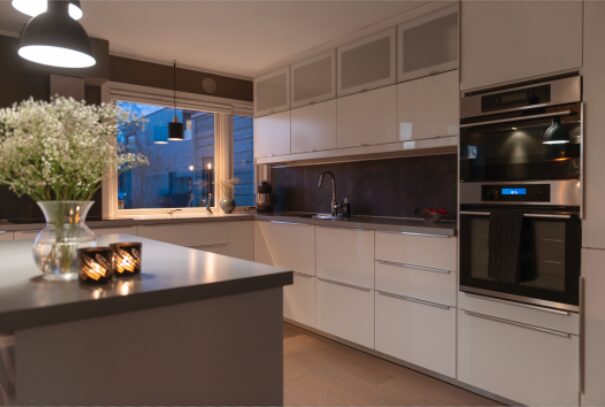
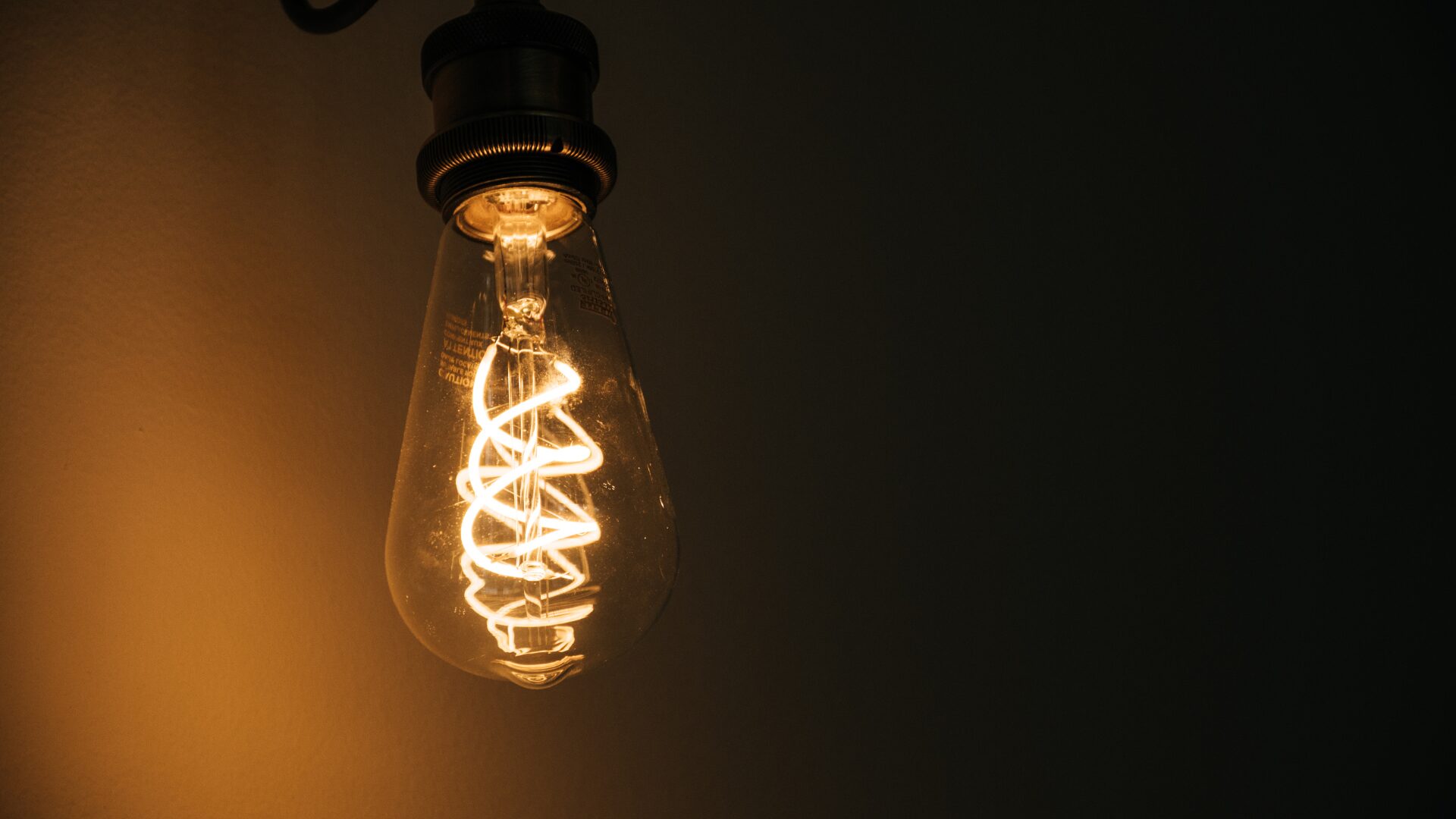
Warm lamps , candles and lanterns… creates a more inviting and cozy feeling for the areas. But how to order it? How to describe the output you want?
This article using the correct keyword help you received the expected output.
Light on
Use the keyword when the style has Color Cast Correction level 3 or 4, when you want some warm casts around lamps to be kept.
The editor keep the tone low, adding too much color gives an unnatural look.
Features:
- Lights on means keeping some warm tone both on and around lamps.
- Applied on both lamps and candles.
- Order Lights on when the Color Cast Correction- level is high, and you want to keep the warmth on lamp/candles.
- We try to make it look realistic, without too much saturation.
Order it by writing the keyword Lights on when you order.
Light Switch
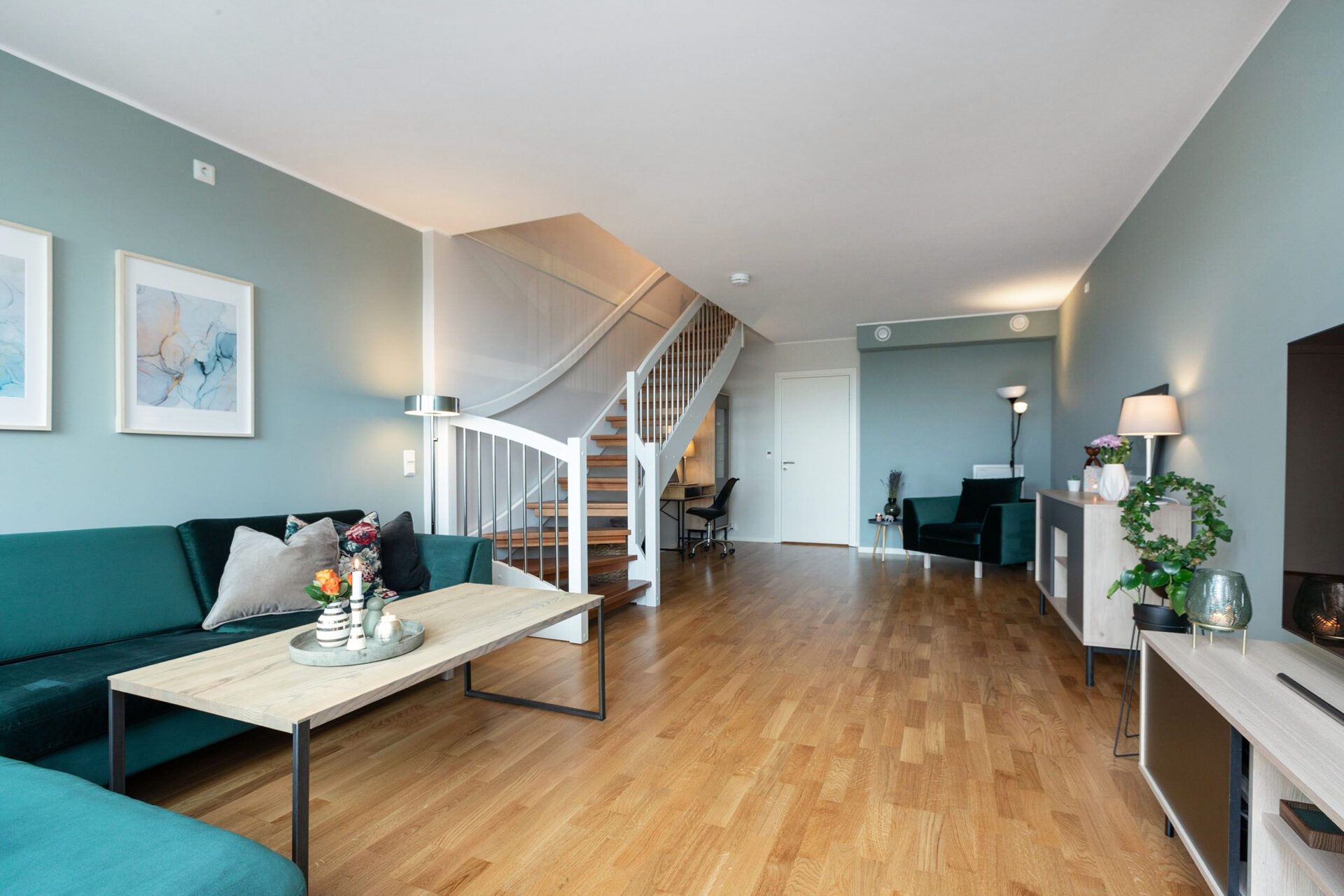
When you send us multiple exposures with the lights/lamps both switched on and off the exposure with the lamp switched on will be used for that part of the image.
If you want 2 different outputs, write the keyword Light Switch.