Exterior Style
The Classic Look
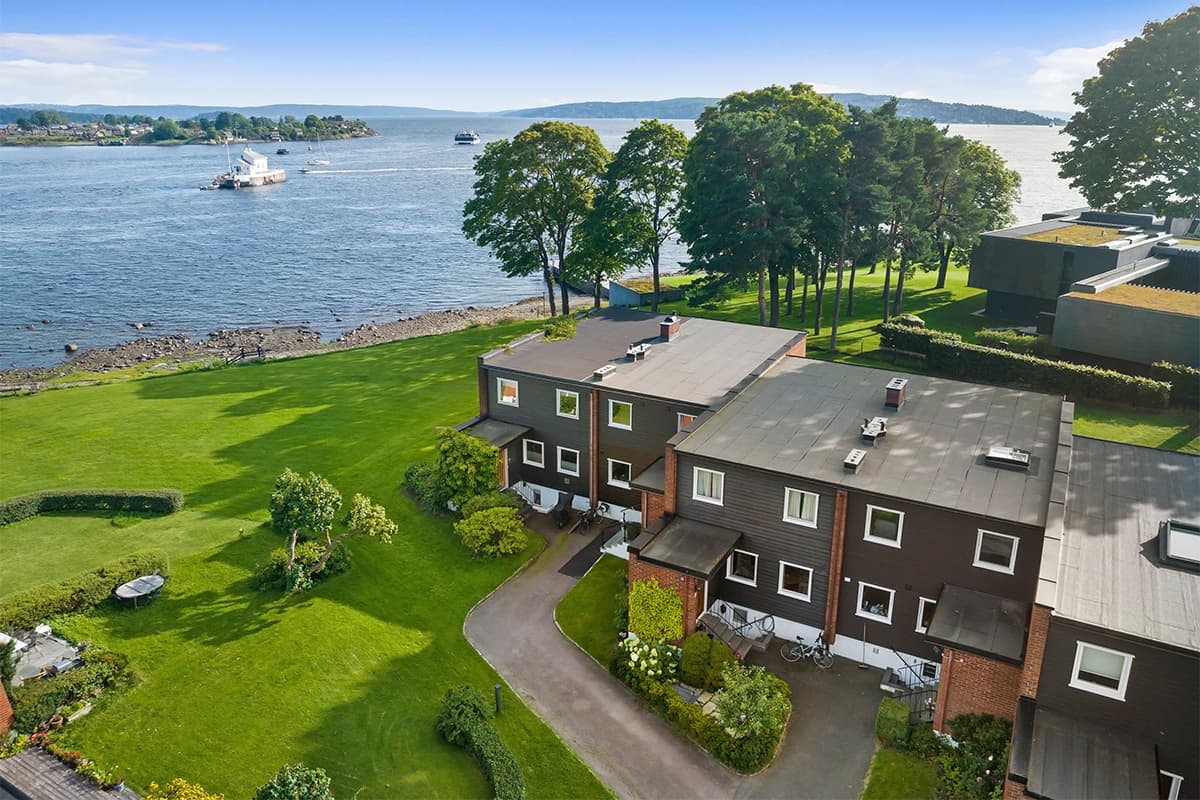
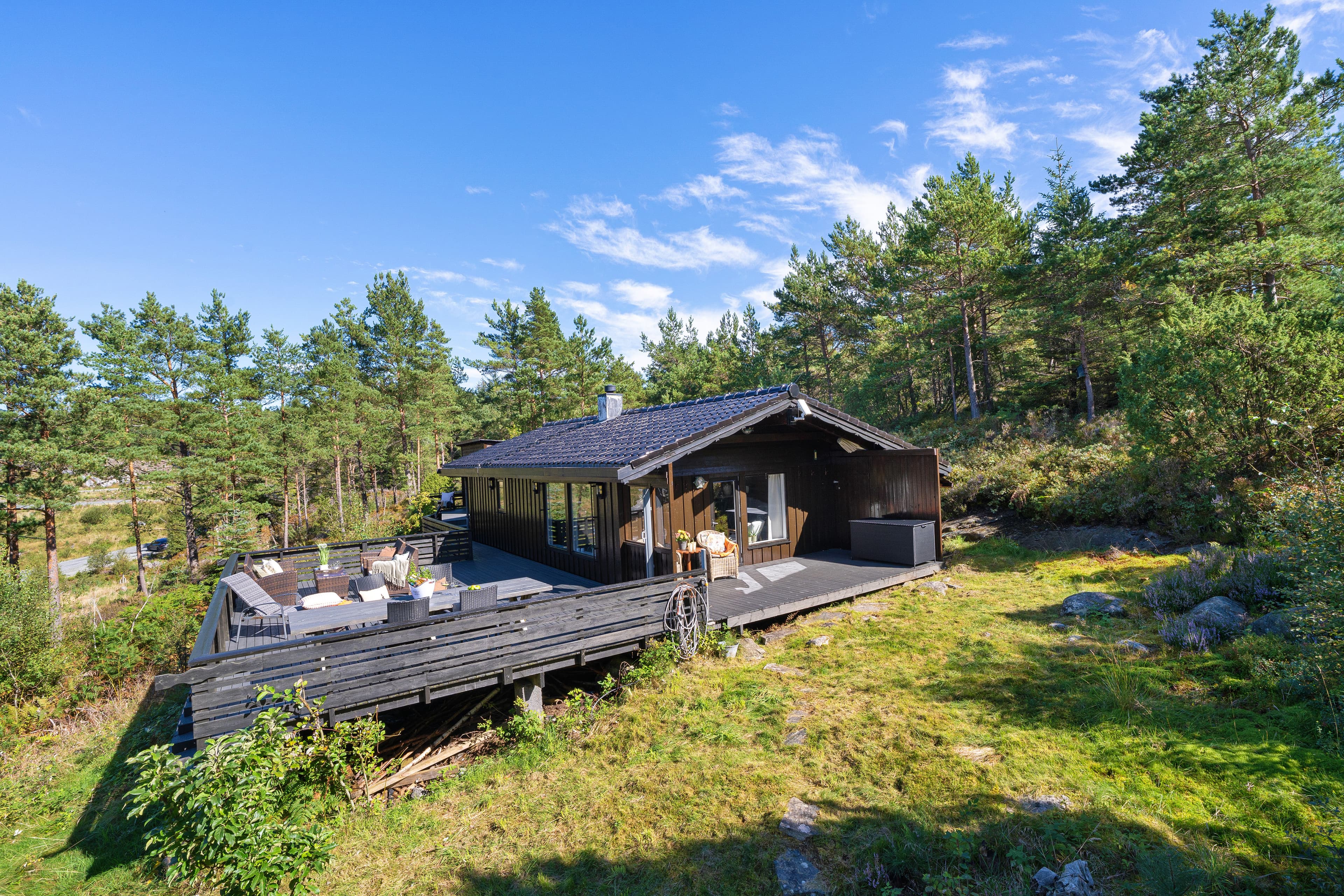
A neutral exterior style with moderate enhancement, natural greens, controlled skies, and enough contrast to make the property feel polished without looking over-edited.
Medium light distribution, contrast, and color intensity.
Natural grass and sky treatment.
No default vignetting.
Editing Profile
Style Matrix & Recommended Input
- Balance exposure around the main property, garden, facade, and balcony.
- One input file is often sufficient for a standard result.
- Use the keyword "Original Sky" when no sky replacement should be made.
Colorcast Correction
3/4
Keeps selected natural color casts.
Light Distribution
3/4
Balances bright and dark areas.
Color
2/4
Medium saturation and vibrance.
Pop
2/3
Medium contrast and dynamic range.
Temperature
1/3
Neutral overall temperature.
Vignetting
0/3
No default vignetting.
Sky Type
Editor's Choice
Replaced when it improves the output.
Sky Tone
Medium
Balanced default sky intensity.
Visual Reference
Classic Output Gallery
Use these images as a visual direction. Results vary with the quality, lighting, and dynamic range of the input files.